
Write the job ad candidates read
The “Ad” tab holds the text candidates read, the salary display and Bellamy's suggestions.
- Job page, “Ad” tab.
- Bellamy's suggestions never change the text without your click.
The ad is the text candidates read. Bellamy writes it from your description; you review and fix it here.
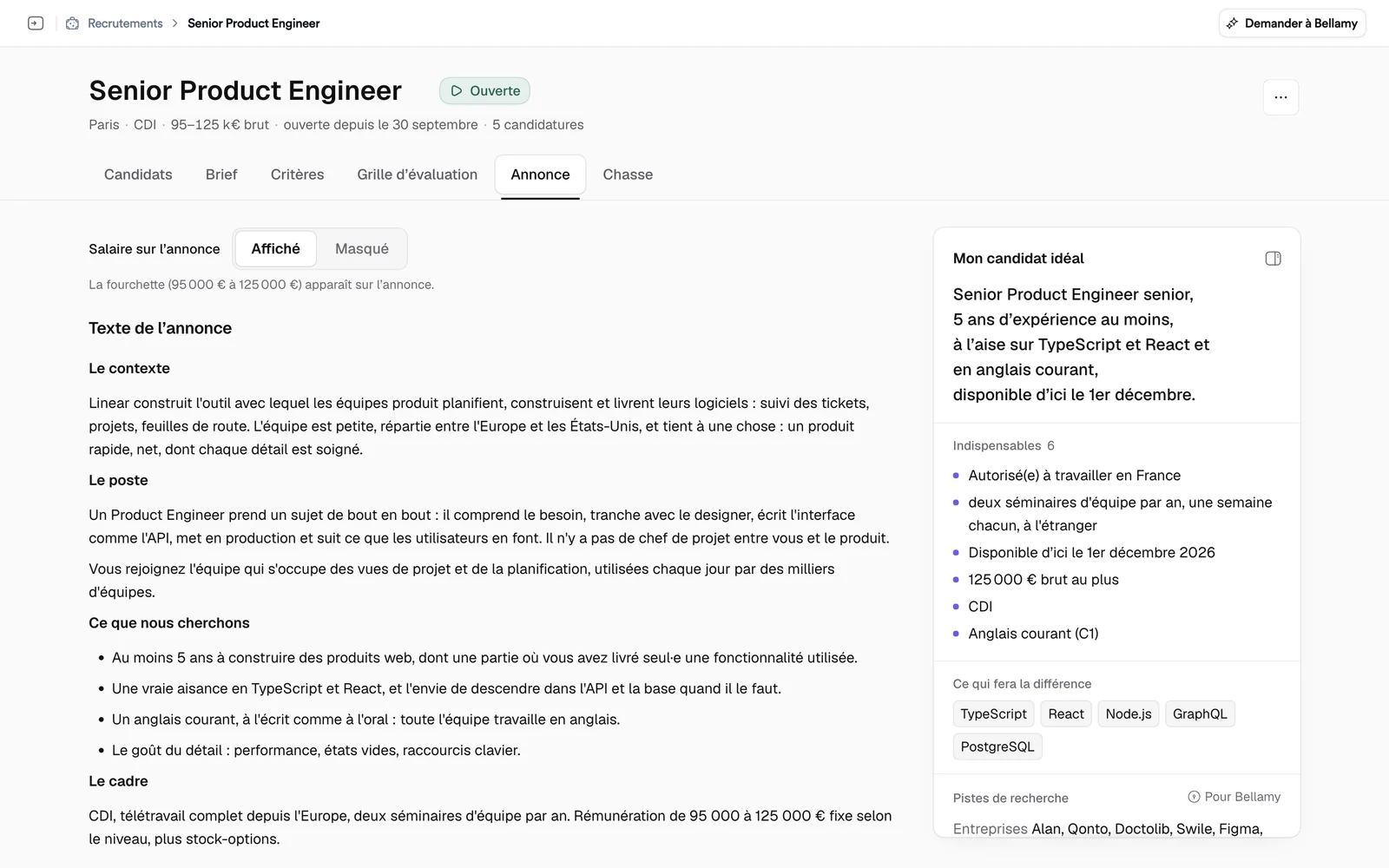
Salary on the ad
“Salary on the ad” has two settings:
- Shown: the job's salary range appears on the ad.
- Hidden: the range doesn't appear, but Bellamy knows it. If the ad text itself mentions a salary, remove that too.
The ad text
Write directly in “Ad text”. On an empty line, a menu offers headings and lists. The text saves as you write.
Bellamy's suggestions
When Bellamy spots something in your ad, an “n suggestions from Bellamy” block appears. Your text stays as written: you apply the ones you like. Each suggestion carries a label:
- “Missing”: useful information that isn't in the ad;
- “Wording”: a sentence that would read better rewritten.
It shows the “Current text” and the “Suggested text”, with three buttons:
- “Replace” puts the suggested text in place of the passage;
- “Add” adds it at the end of the ad;
- “Ignore” sets it aside.
“Show in the text” finds the passage concerned. While the page stays open, “Undo” puts the suggestion back in the list.
What's next
Once the ad is reviewed, you can open the recruitment.