
Manage a job
The four statuses of a job, and how to pause, close, reopen, duplicate or delete it.
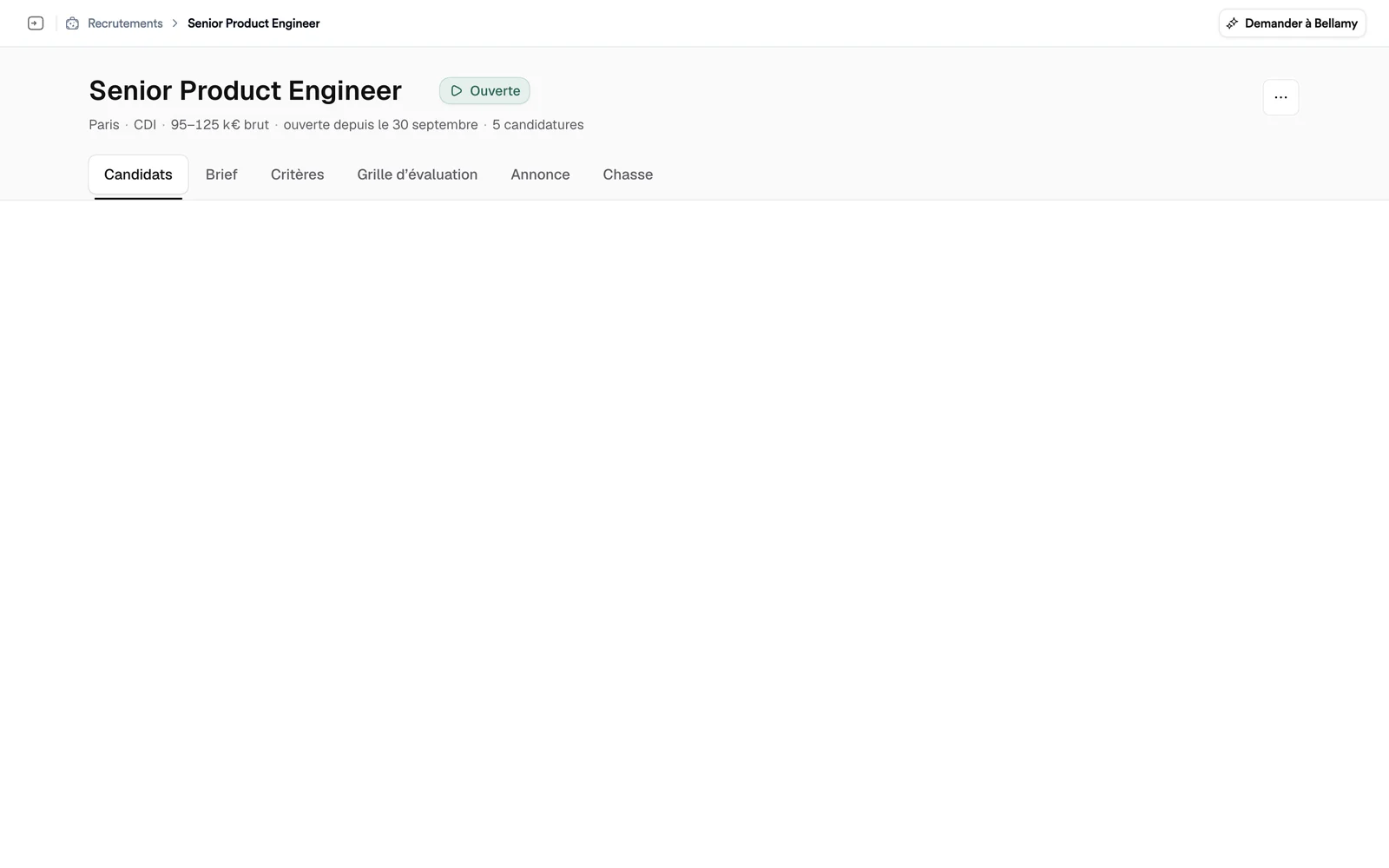
- At the top of the job page: the status under the title, and the “…” menu on the right.
- Each action asks for confirmation, which says what it changes.
A job has a status, shown next to its title: “Draft”, “Open”, “Paused” or “Closed”. The status decides which actions are offered.
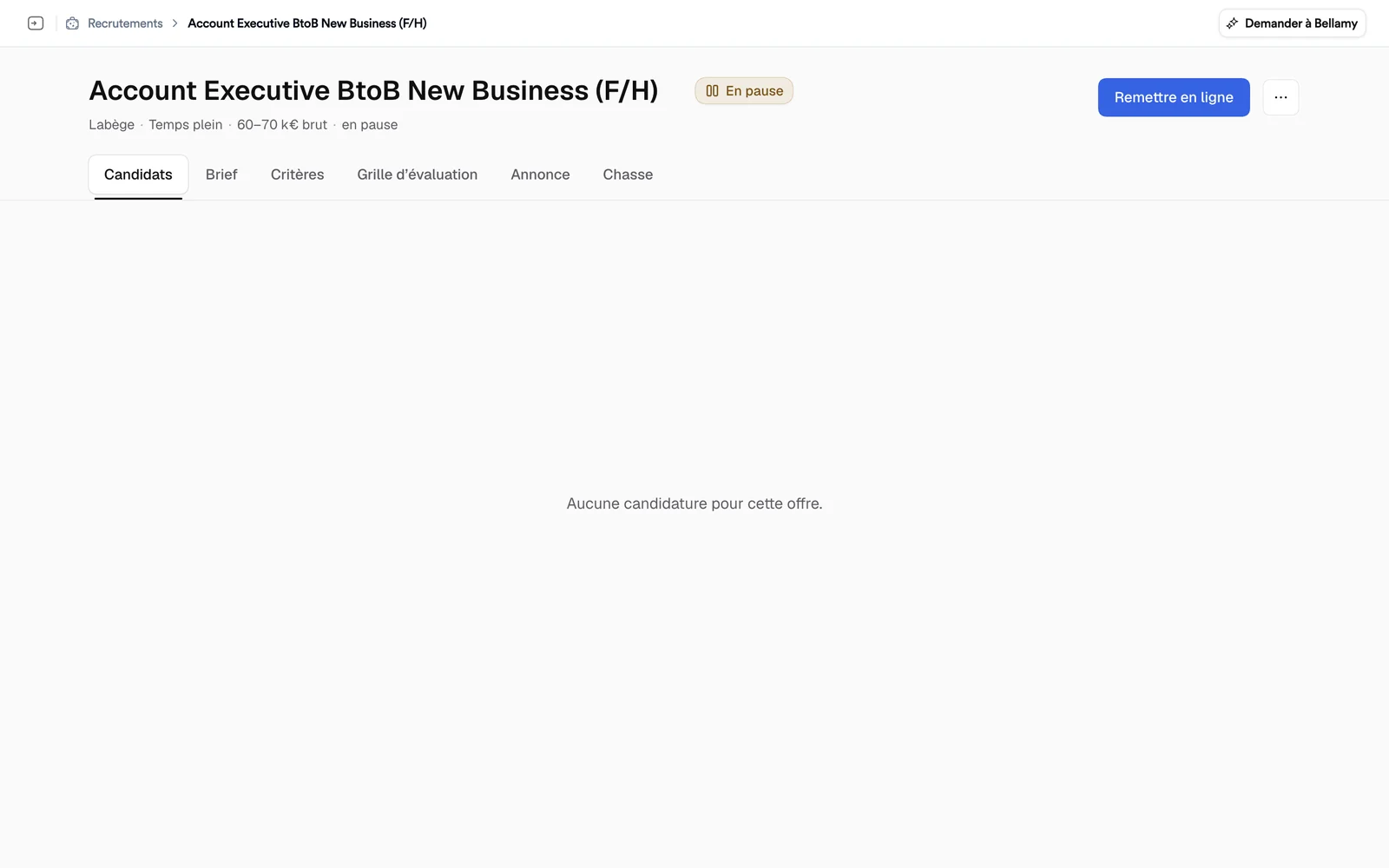
The main action
- Draft: “Open the recruitment”. See Open a hiring.
- Open: no main button, everything goes through the “…” menu.
- Paused: “Put back online”.
- Closed: “Reopen”.
The “…” menu
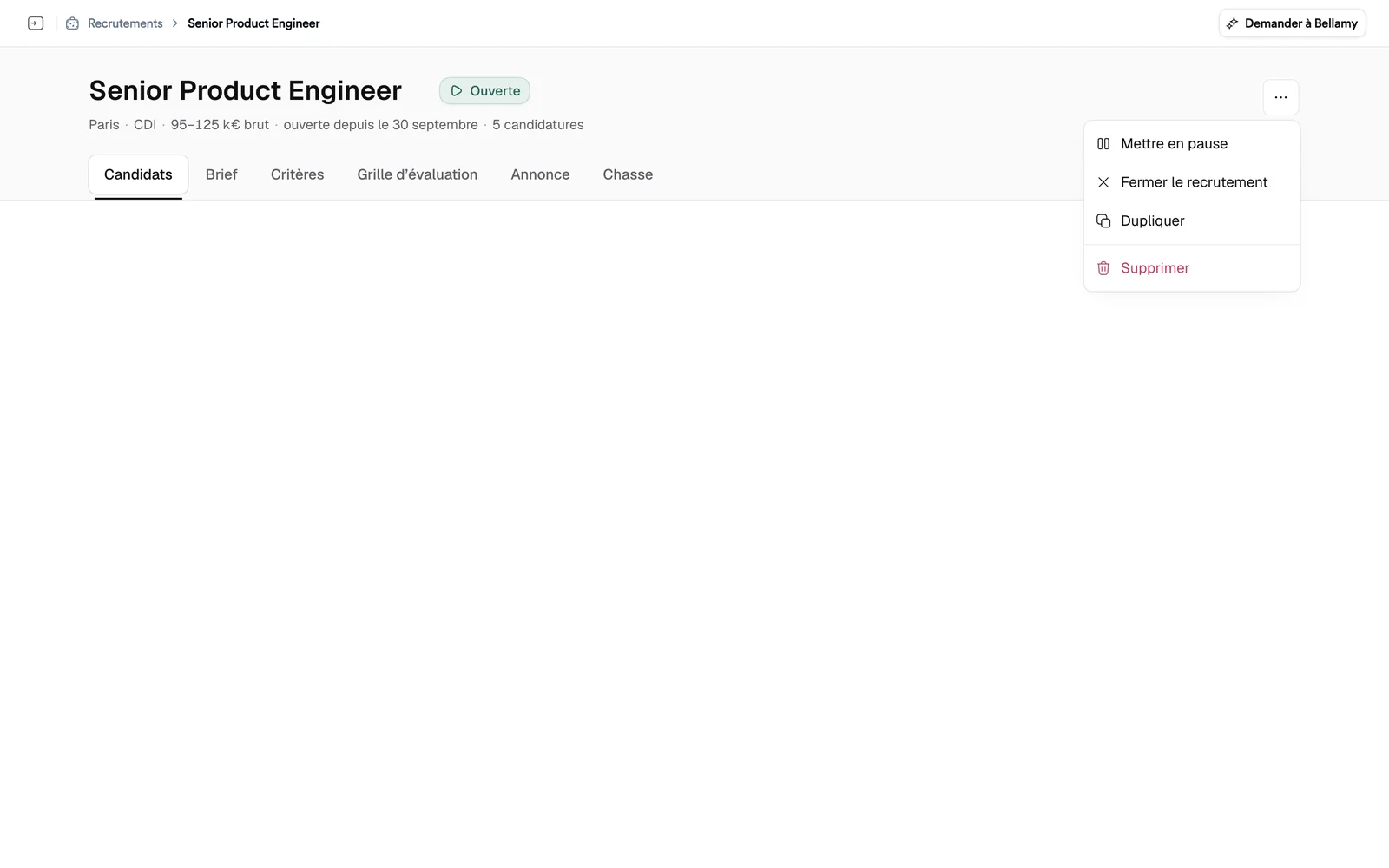
For an open job: “Pause”, “Close the job”, “Duplicate” and, always last, “Delete”. A paused job doesn't have “Pause”.
Pause
The confirmation window (“Pause …?”) spells out the effects:
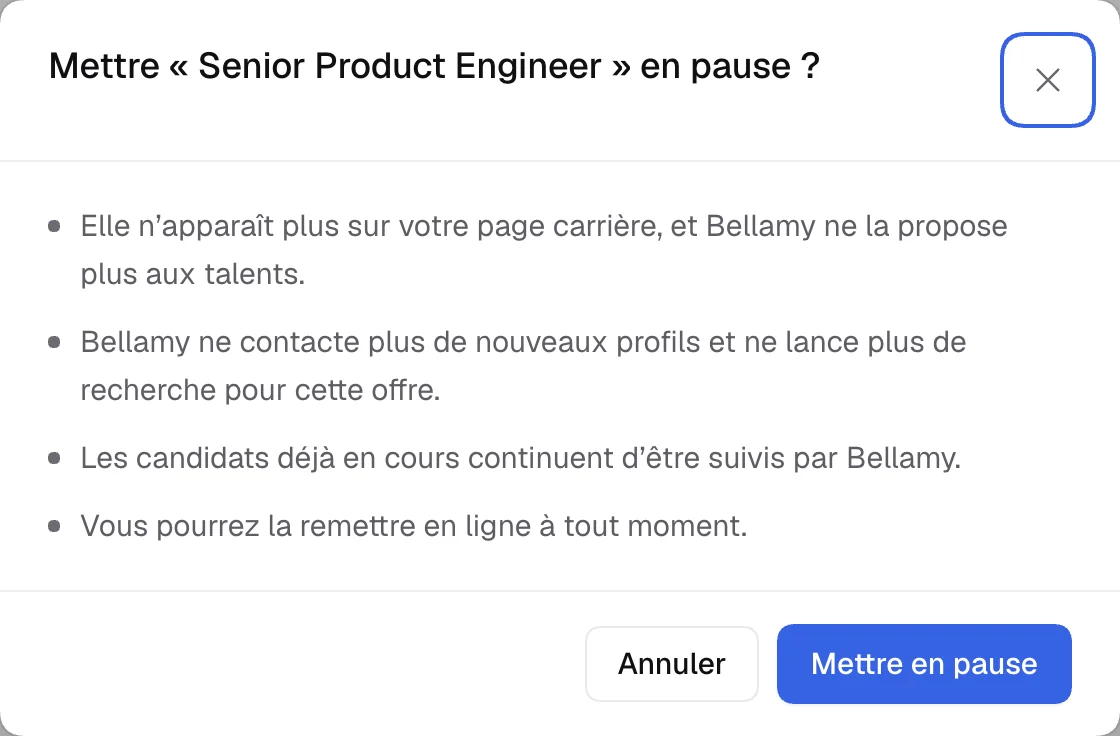
- the job no longer shows on your careers page and Bellamy stops suggesting it to talents;
- it is taken down from the job boards where it is posted, and comes back when you put it back online;
- Bellamy no longer contacts new profiles or starts new searches for this job;
- candidates already in progress keep being followed;
- you can put it back online at any time.
“Put back online” makes it visible again, and Bellamy resumes direct outreach to the profiles kept during the pause.
Close the job
Use it when the role is filled or dropped. The job is no longer offered and disappears from your careers page. Bellamy stops writing to the candidates still in progress: no question, no reminder, no automatic rejection. They are not notified: reject them from the “Candidates” tab to send them a message. The job stays in your list with its candidates, and “Reopen” puts it back online: Bellamy resumes following up where it stopped.
Duplicate
“Duplicate” creates a “… (copy)” draft, invisible to candidates. It keeps the role, the brief, the evaluation grid, the screening criteria and the ad text. Candidates, publication and job board postings are not copied. Handy for a similar role.
Delete
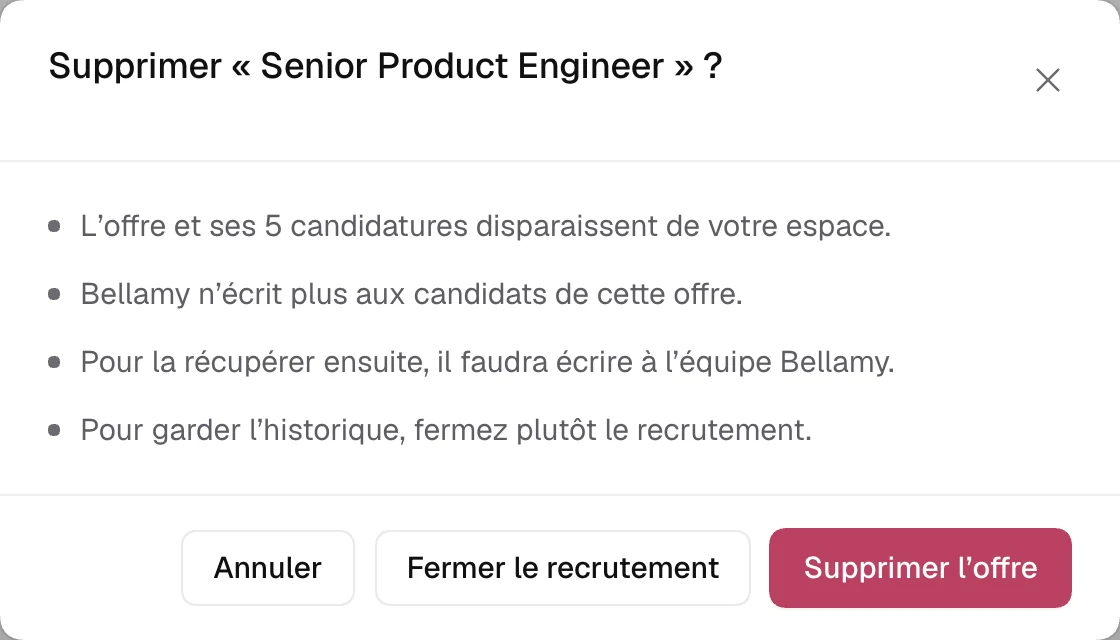
The confirmation window (“Delete …?”) lists the consequences: the job and its applications disappear from your workspace, it is taken down from job boards, and Bellamy stops writing to its candidates. To get it back later, you have to write to the Bellamy team. Confirm with “Delete the job”, or click “Cancel”.
Rename the job
Click the title to edit it. A sentence states what the change affects: candidates see the title on your careers page, on bellamy.ai and in Bellamy's messages, and on job boards the next time the ad is published.