
Follow the AI Hunt
Bellamy approaches profiles that don't apply on their own. You see who it found, who it contacted, and who replied.
- “AI Hunt” menu for all your jobs, “Hunt” tab inside an open job.
- A profile stays anonymous until its first reply.
The AI Hunt goes after profiles that don't apply on their own. Bellamy finds them, writes to them, follows up, and shows you who replies.
Overview
The “AI Hunt” menu sums up the activity across all your jobs: how many jobs are being hunted, how many profiles were found, contacted, and how many replied.
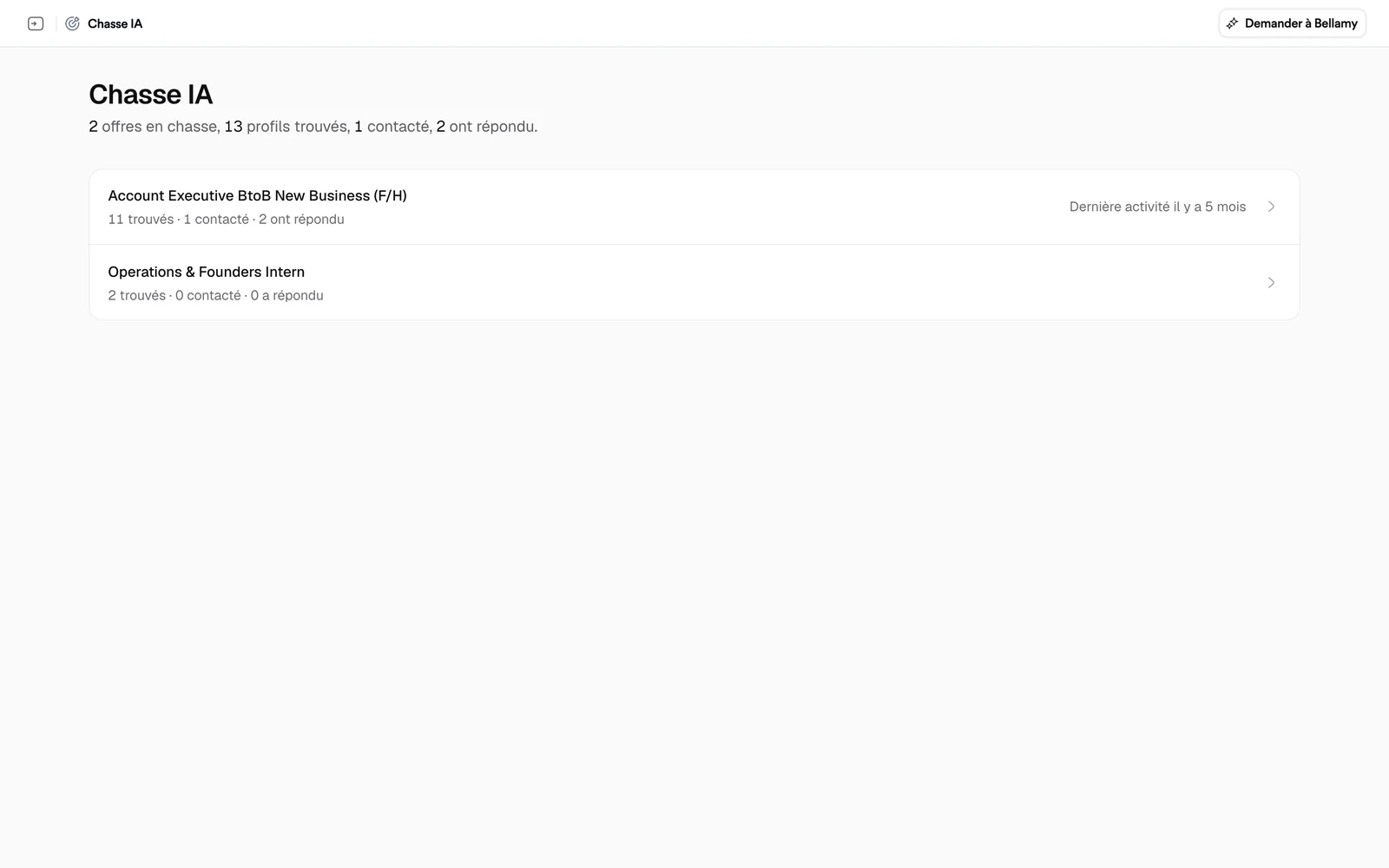
Under the summary, “Jobs being hunted” lists one row per job, with its counters (“found”, “contacted”, “replied”) and the date of the last activity. Click a job to open its hunt. As long as Bellamy hasn't sourced any profile, the page says “The hunt hasn't started yet”.
The hunt of one job
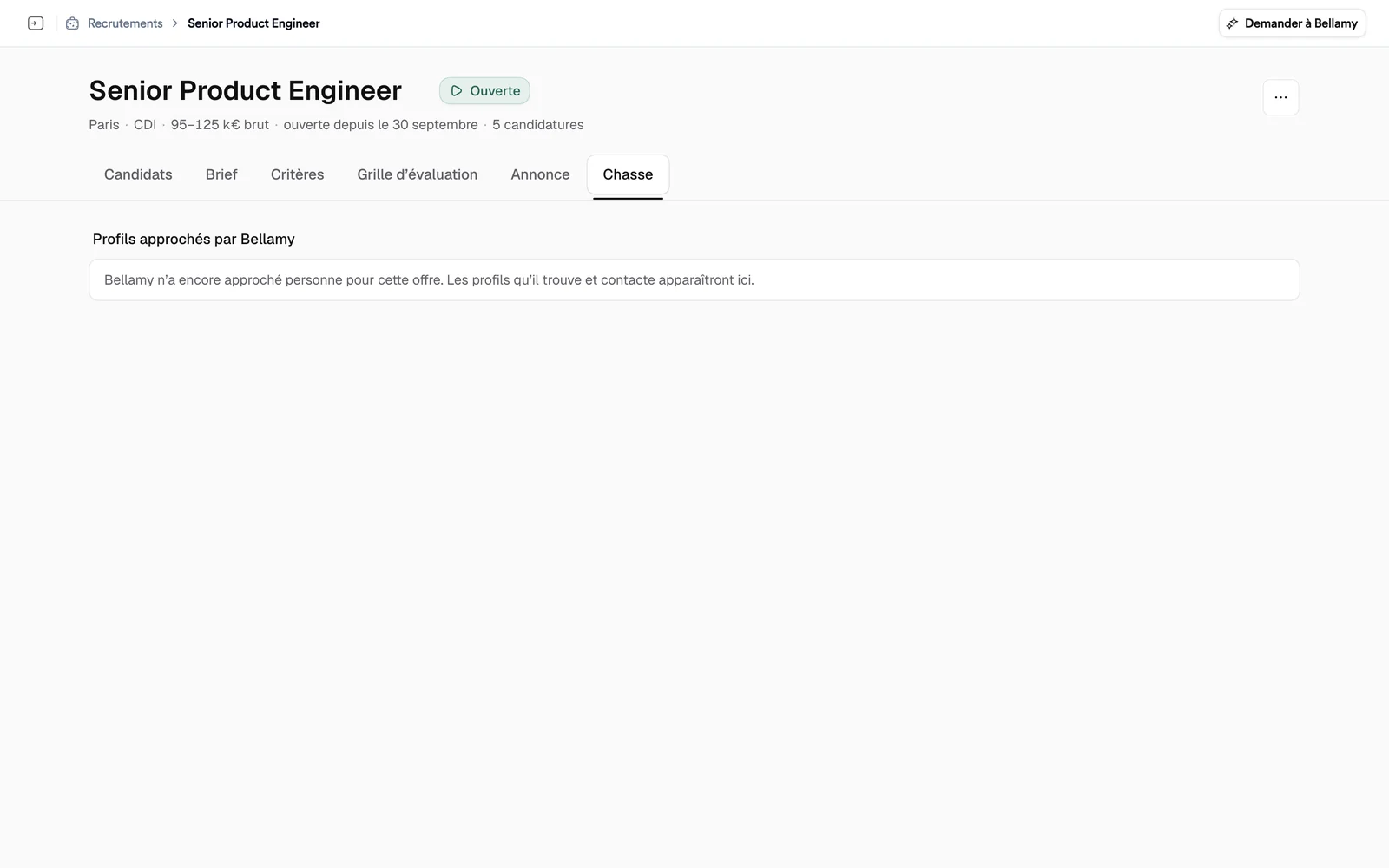
Inside a job, the “Hunt” tab is titled “Profiles approached by Bellamy” and recalls “n found · n contacted · n replied”. It doesn't exist on a draft. As long as Bellamy hasn't approached anyone, it says so: “Bellamy hasn’t approached anyone for this job yet.”
Profiles are sorted into four columns:
- To contact: profiles found, not contacted yet.
- Contacted: Bellamy wrote to them and they haven't replied yet.
- Replied: the profile replied.
- No follow-up: profiles that didn't follow up. They are listed under “Contacted”, with their own number, and are not counted in “Contacted”.
The figures are the same everywhere: the “AI Hunt” page, the tab header and the columns. “Replied” counts profiles that replied or said they are interested, and those who signed up.
Each card carries the profile's “Bellamy Score”, and the “Anonymous until reply” mention until it has replied.
A profile in detail
Click a card: the profile opens in a drawer on the right, and the arrows move to the previous or next profile. Four tabs:
- Background: experience, education, skills and languages.
- Evaluation: the “Bellamy Score”, the AI evaluation, the strengths and the points of attention.
- Exchanges: the exchange history, in order: “1st email”, “Follow-up D+3”, “Follow-up D+7”, then the replies.
- Comments: your team's notes on this profile.
When a profile replies
It moves to “Replied”. Read the exchange, then decide what comes next as with any candidate: see Follow your candidates.
If you pause the job
Bellamy no longer contacts new profiles or starts new searches for this job. See Manage a job.