
Sign in and recover your access
Sign in with Google, LinkedIn or an email address, get a sign-in link, reset your password.
- On app.bellamy.ai, the “Login to your account” page.
- The password reset link is valid for 1 hour.
You get back into your workspace with the method you used when you signed up.
Sign in
-
Open app.bellamy.ai. The sign-in page offers Google, LinkedIn, or your email address.
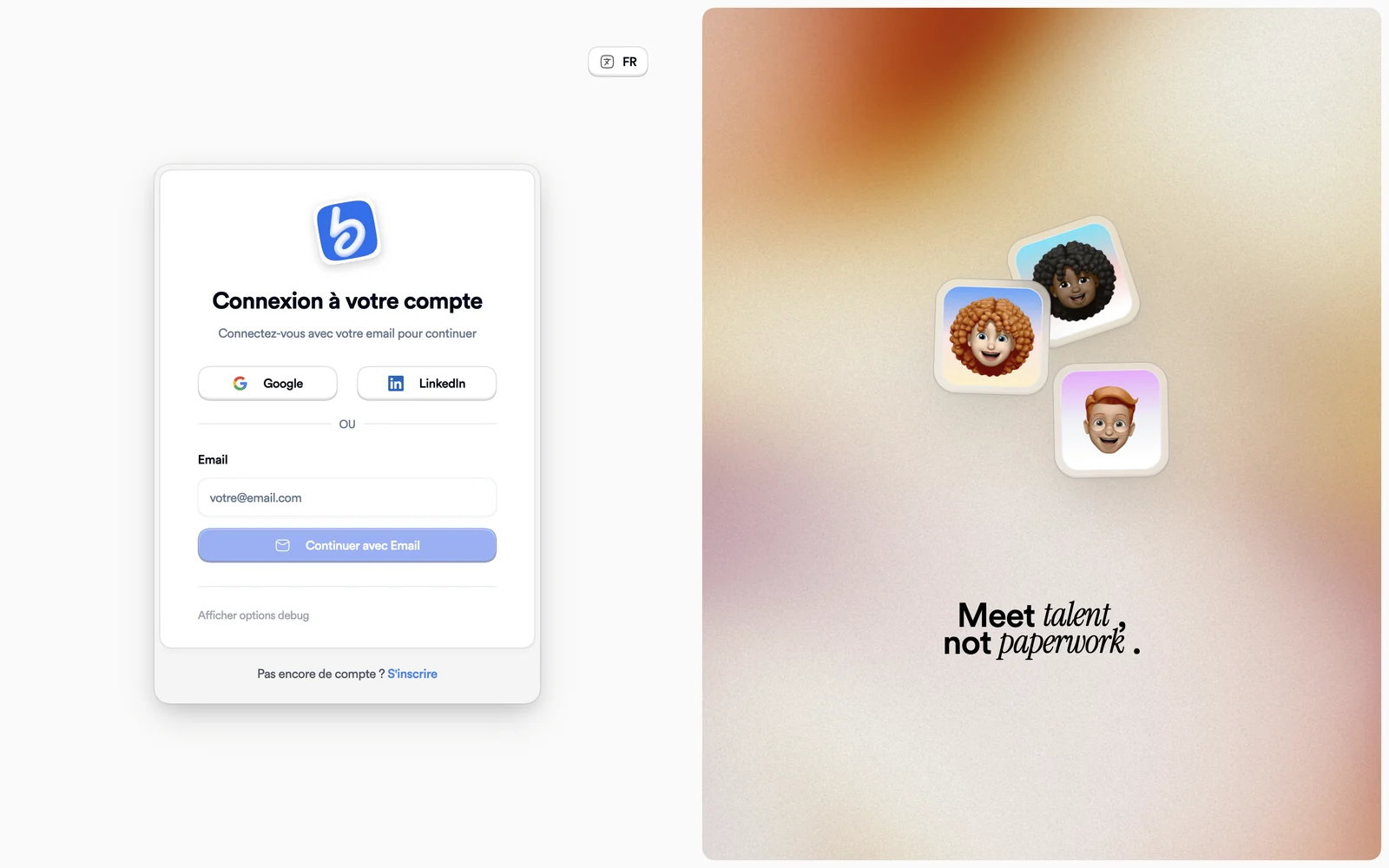
The sign-in page -
With email, enter your address and click “Continue with Email”.
-
Enter your password, then click “Login”.
A “Last used” badge marks the method you used last time. If the address has no account, the screen reads “Couldn't find your account.”
A quick anti-robot check (“A quick check before you continue.”) may appear. If it fails, “Retry the check” starts it again; if that keeps happening, turn off your ad blocker.
Forgot your password
-
On the password screen, click “Forgot password?”.
-
Enter your email address and click “Envoyer le lien” (send the link). This page is still in French.
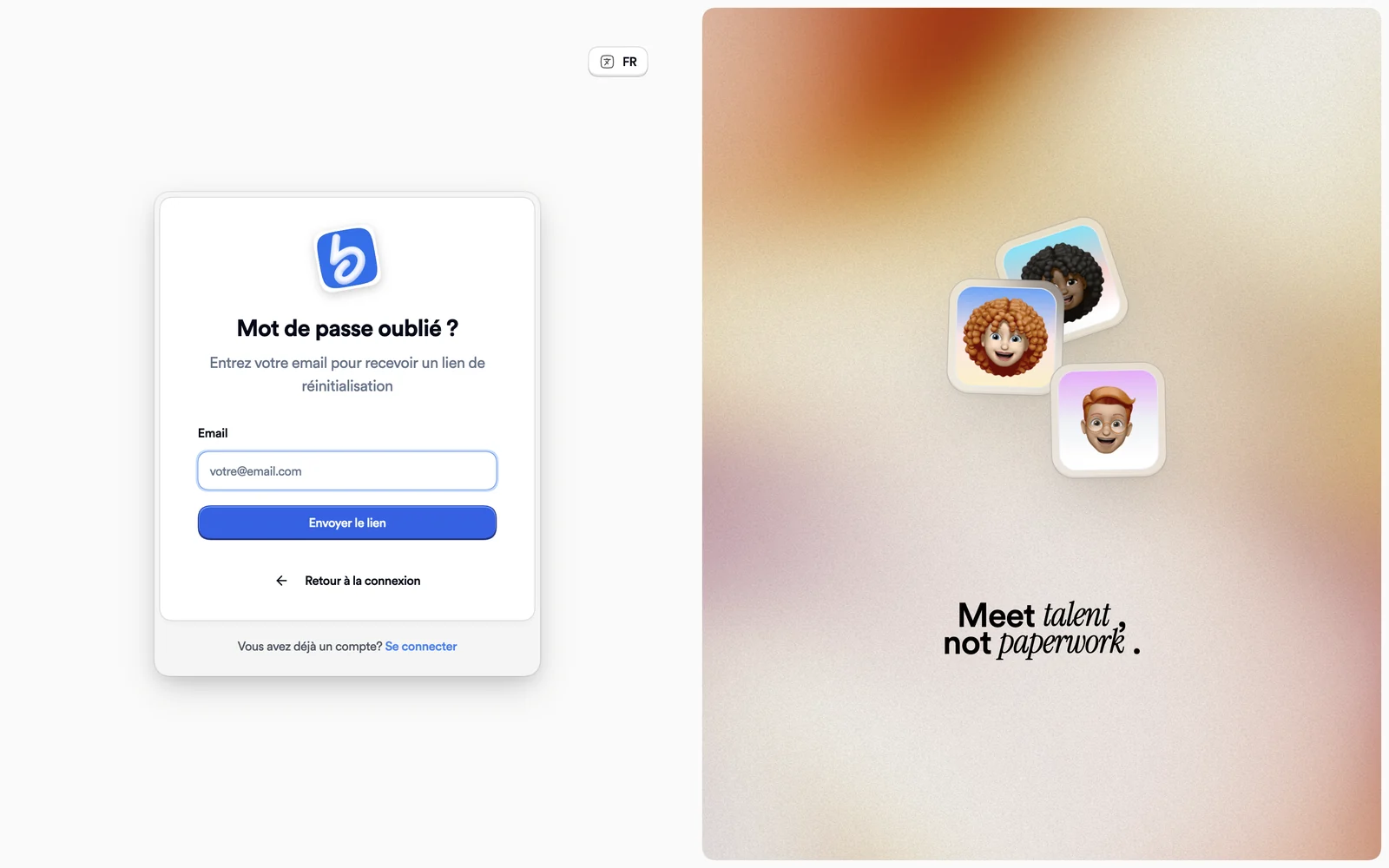
The forgotten password page -
Open the email and follow the link: you land on “New password”.
-
Choose your password, then click “Change password”. Sign in again with the new one.
The “Email envoyé !” (email sent) screen says the link is valid for 1 hour and to check your spam folder if nothing arrives. An outdated link shows “Link expired”: request a new one from the sign-in page.
You never created a password
An account created by applying to a job has no password. Under the password field, “Applied without creating a password?” offers “Get a link”: the email contains a sign-in link.
What's next
Once signed in, you land on your workspace: see Find your way around your workspace.