
Propose an interview
Invite a candidate to book a slot in your calendar. Bellamy writes the email; you review it before it goes.
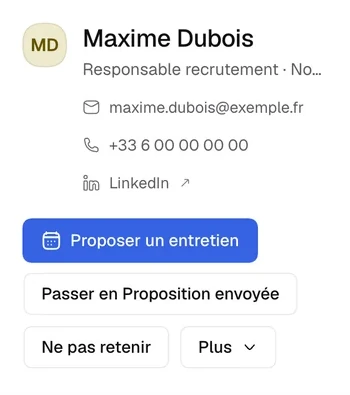
- On the candidate's record, Propose an interview button.
- The candidate must be at the Interview stage, and your calendar connected.
Once your calendar is linked, you no longer trade slots by email. The candidate picks one of your availabilities.
Send the invitation
- Keep the candidate: on their record, "Keep for an interview" moves them to the "Interview" stage.
- On their record, click "Propose an interview". The button only appears at the "Interview" stage.
- Bellamy writes the email as soon as the window opens ("The AI is writing the email…"). Read the subject and message, and edit them if needed. "Regenerate" asks for another version.
- Click "Send".
The booking link is included in the message. An "Invitation sent to …" confirmation appears.
If sending is refused
- "Connect your calendar in settings first.": link your calendar, see Connect your calendar.
- "No email address for this candidate.": the profile has no email; contact them another way.
- "Something went wrong. Please try again.": click "Retry".
After the booking
The appointment appears in "Interviews", "Upcoming" tab. The invitation and connection details go to the candidate by email. What comes next: see Prepare and review an interview.