
Bellamy in Slack and Linear
Your recruiters message Bellamy in Slack or mention it in a Linear ticket. It answers with what each of them can already see.
- Settings, Integrations, Slack and Linear rows.
- Only a company administrator can connect a tool.
Once Slack or Linear is connected, your recruiters no longer need to open Bellamy to ask a question about a job or a candidate.
Connect Slack or Linear
- Open "Settings", then "Integrations".
- On the Slack or Linear row, click "Connect". If you aren't an administrator, the row says "Not connected · only an administrator can connect it" and has no button.
- A window reminds you what will happen. Click "Continue to Slack" (or "Continue to Linear").
- On the tool's page, choose the workspace to connect and allow access. You then come back to Bellamy.
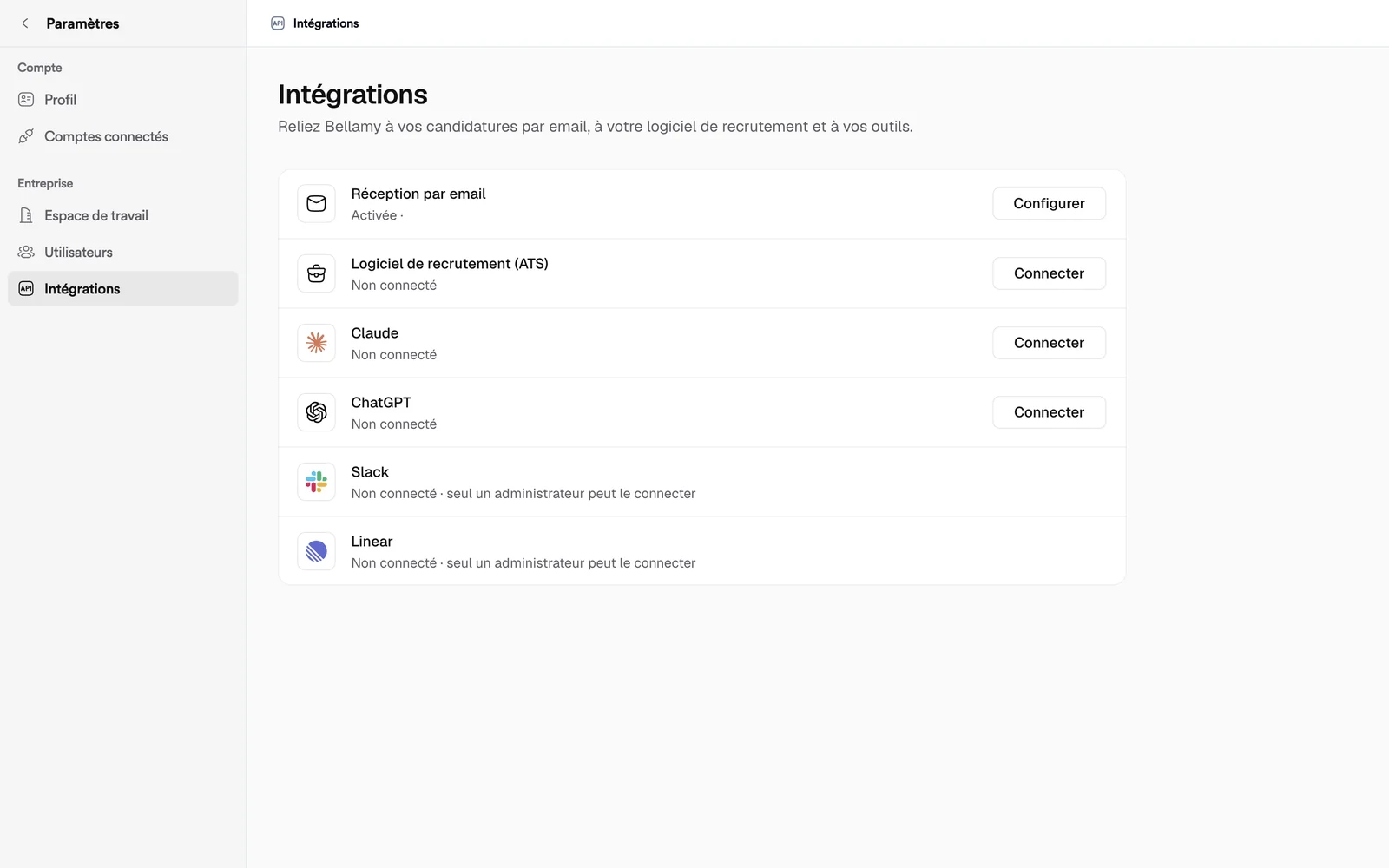
Once connected, the row shows "Connected to … on …" with the workspace and the date.
Use it
- Slack: each recruiter at the company sends Bellamy a private message.
- Linear: each recruiter mentions Bellamy in a ticket to ask it a question.
If the connection fails
A message appears on the page:
- "You are not allowed to connect this tool. Ask an administrator of your company."
- "You declined access, nothing was connected."
- "This workspace is already connected to another company on Bellamy.": a Slack or Linear workspace only serves one company.
- "Your company is already connected to another workspace. Disconnect it first, then try again."
- "Enterprise workspaces for this tool are not supported yet."
- "The connection failed. Try again in a moment."
Disconnect
Click "Disconnect" on the same row, then confirm "Disconnect Slack?". Bellamy stops answering your recruiters in the tool; you can connect it again whenever you like.