
Ask Bellamy inside the app
Ask Bellamy about your candidates, jobs and interviews, from the menu, the header or a job page.
- Ask Bellamy menu, or the button of the same name at the top of the screen.
- Available when the option is turned on for your workspace.
Rather than digging through lists, ask Bellamy: "Which candidates have been waiting for an answer for more than 7 days?", "Summarize this candidate in 3 points".
Open Bellamy
Two entry points, depending on the moment:
- The "Ask Bellamy" page: in the left menu, the "Ask Bellamy" section lists your discussions and the button for a "New discussion".
- The panel: the "Ask Bellamy" button at the top of the screen opens it on the side. On a job or candidate page, Bellamy starts from that context ("About …") and suggests fitting questions. "Open full page" makes it big.
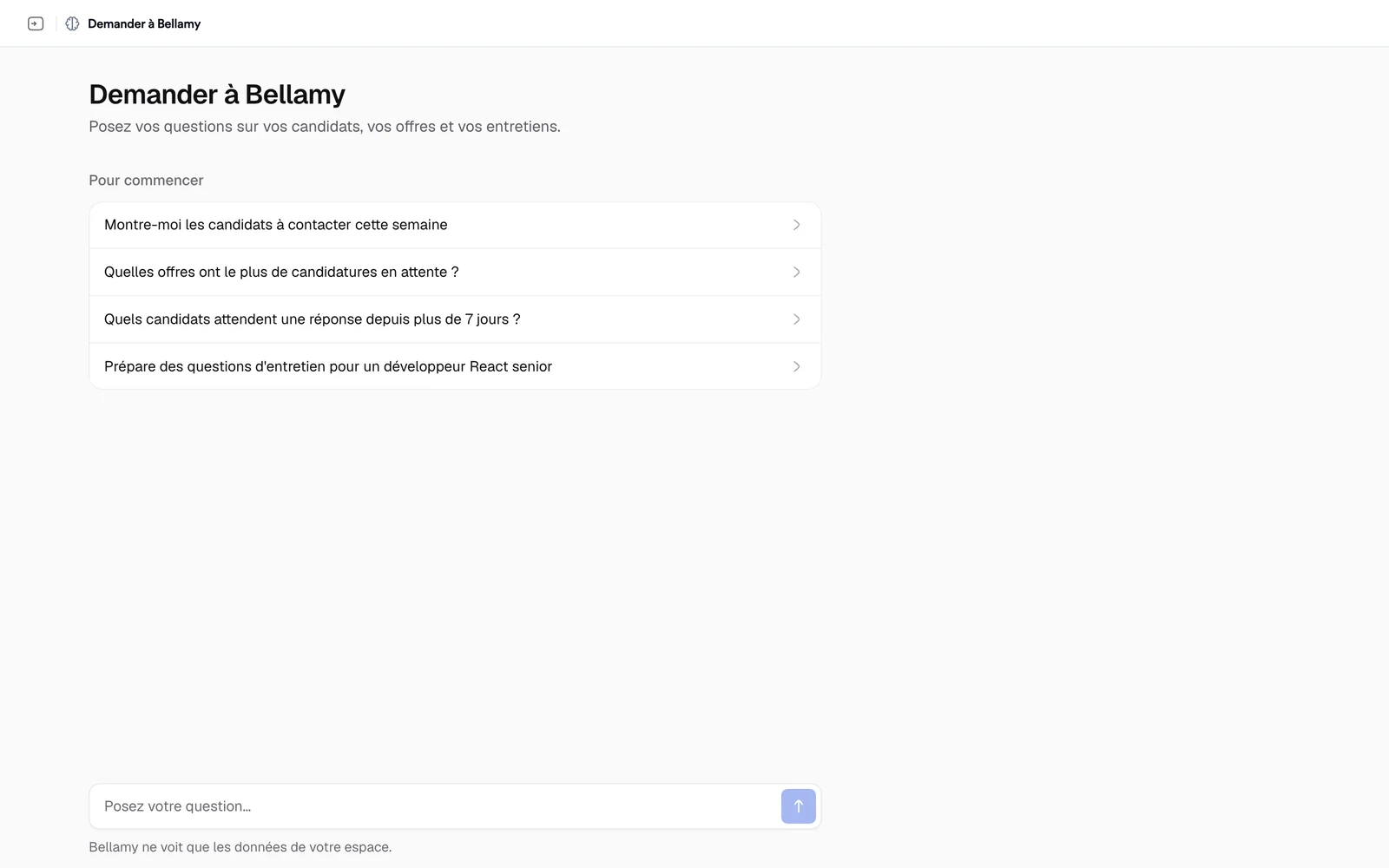
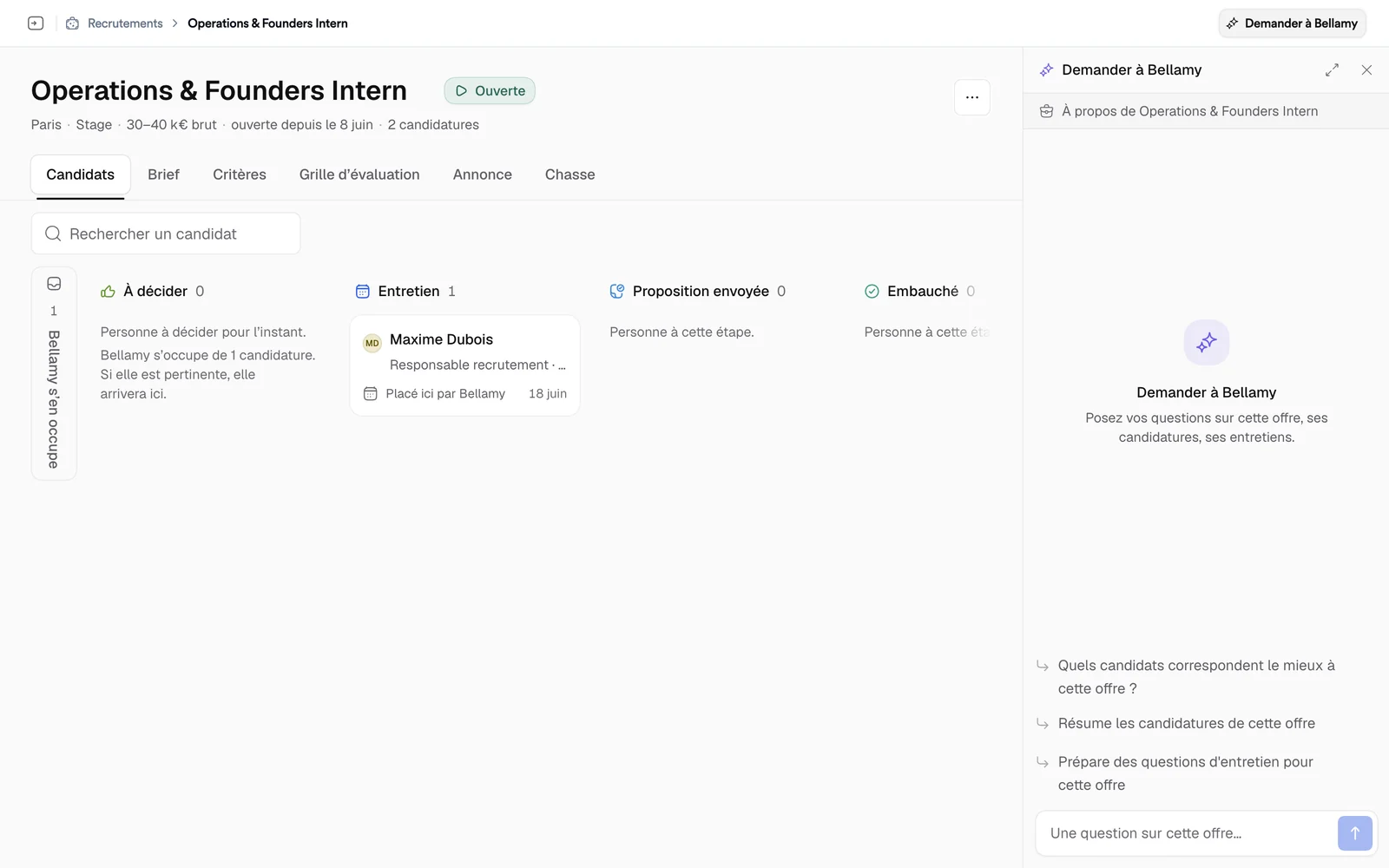
Ask a question
- Pick an idea under "To get started", or write in "Ask your question…".
- Click "Send". Bellamy answers live; "Stop the answer" interrupts it.
- Under the answer, the sources consulted are shown, and you can copy the answer.
Bellamy can look at your jobs, your candidates and their profile, activity and calls, your interviews and their transcripts, your team's comments and the numbers of your applications. It can compare candidates, prepare interview questions or write a draft email to a candidate. A draft isn't sent: Bellamy contacts nobody from this conversation.
My memory
Over your conversations, Bellamy remembers how you work: your preferences and habits. This page is private: only you can see it, and it changes nothing for your team.
It lives in "Bellamy Intelligence", "My memory" tab.
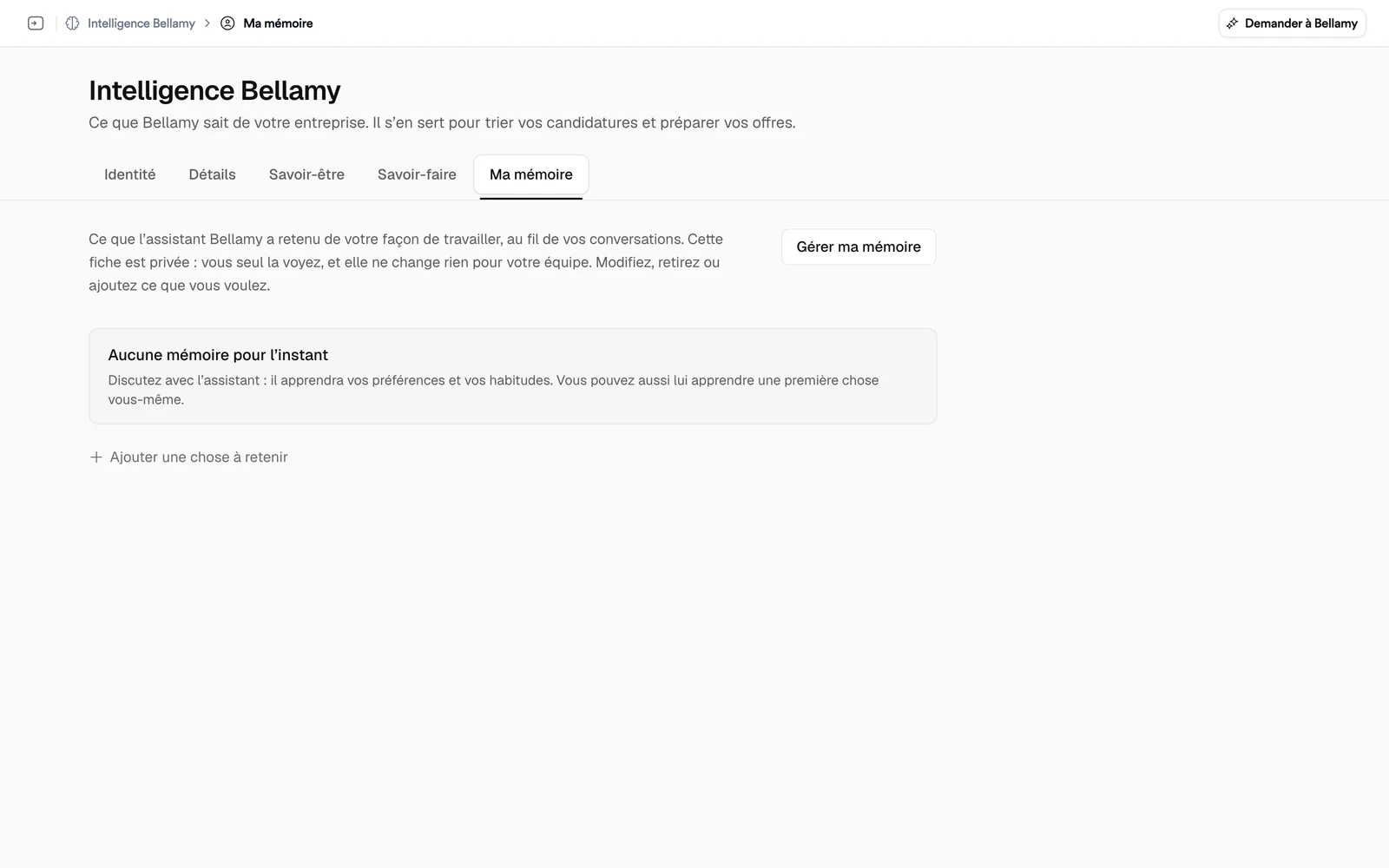
- "Add something to remember" and "Teach the assistant" tell it what it should know about you.
- You can edit or remove each item.
- "Erase my memory" erases the summary and everything Bellamy knows about you. It's permanent, and you're asked to confirm.
For the rest of what Bellamy knows about the company: see Tell Bellamy about your company.