
Create an account and sign in
Sign up with Google, LinkedIn or an email address, on the website or in the mobile app, then sign back in whenever you like.
- On app.bellamy.ai and in the Bellamy mobile app.
- With Google, LinkedIn or an email address and a password.
A candidate account gives you your profile, your opportunities and your conversations with Bellamy. It takes a few seconds to create, then Bellamy walks you through completing your profile.
Create an account on the website
-
Open the Create an account page and choose Candidate ("I'm looking for incredible career opportunities"). The other card, Recruiter, leads to the company sign-up.
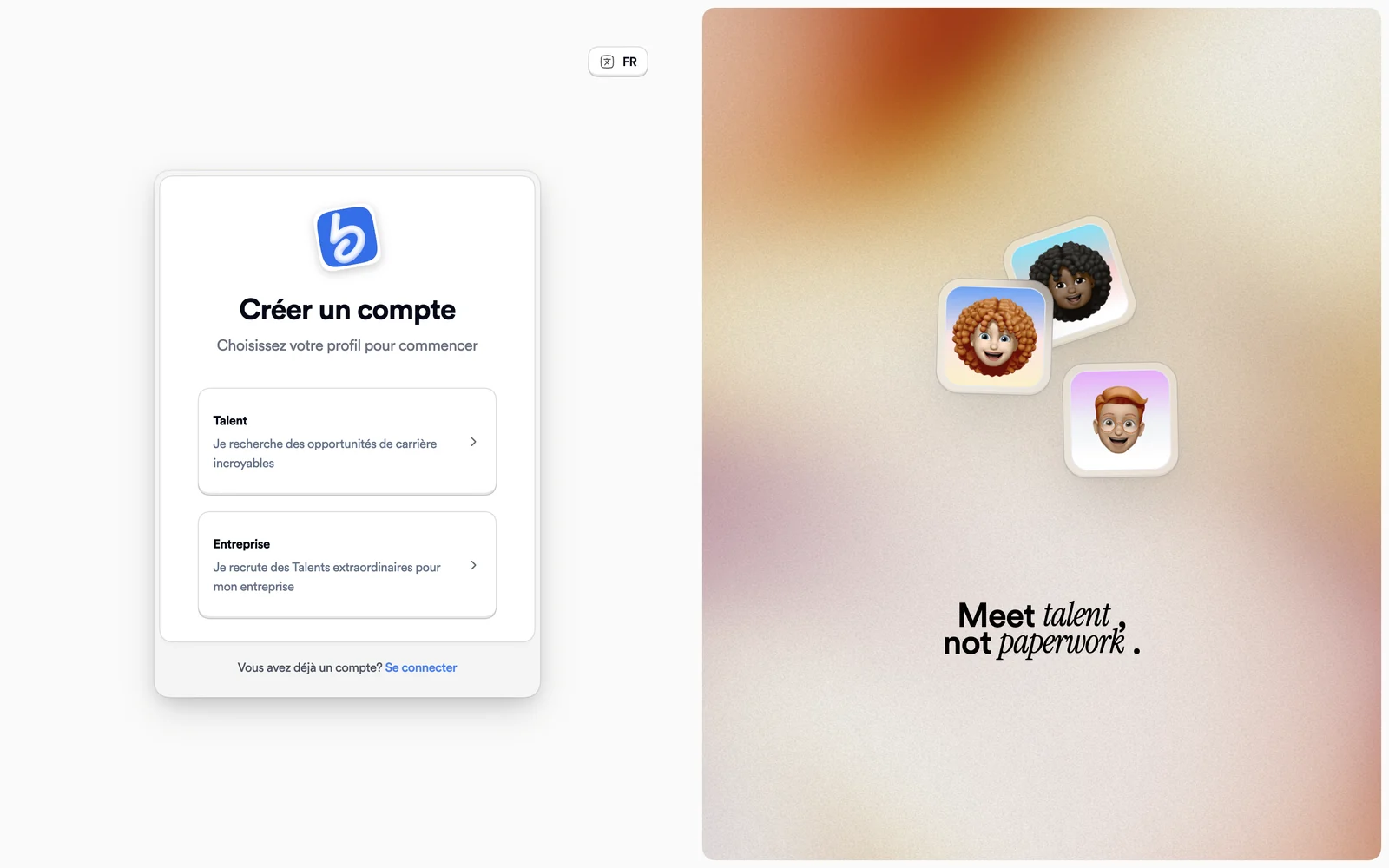
Create an account: choose the candidate or the company card -
Pick your method: Google, LinkedIn or Continue with Email.
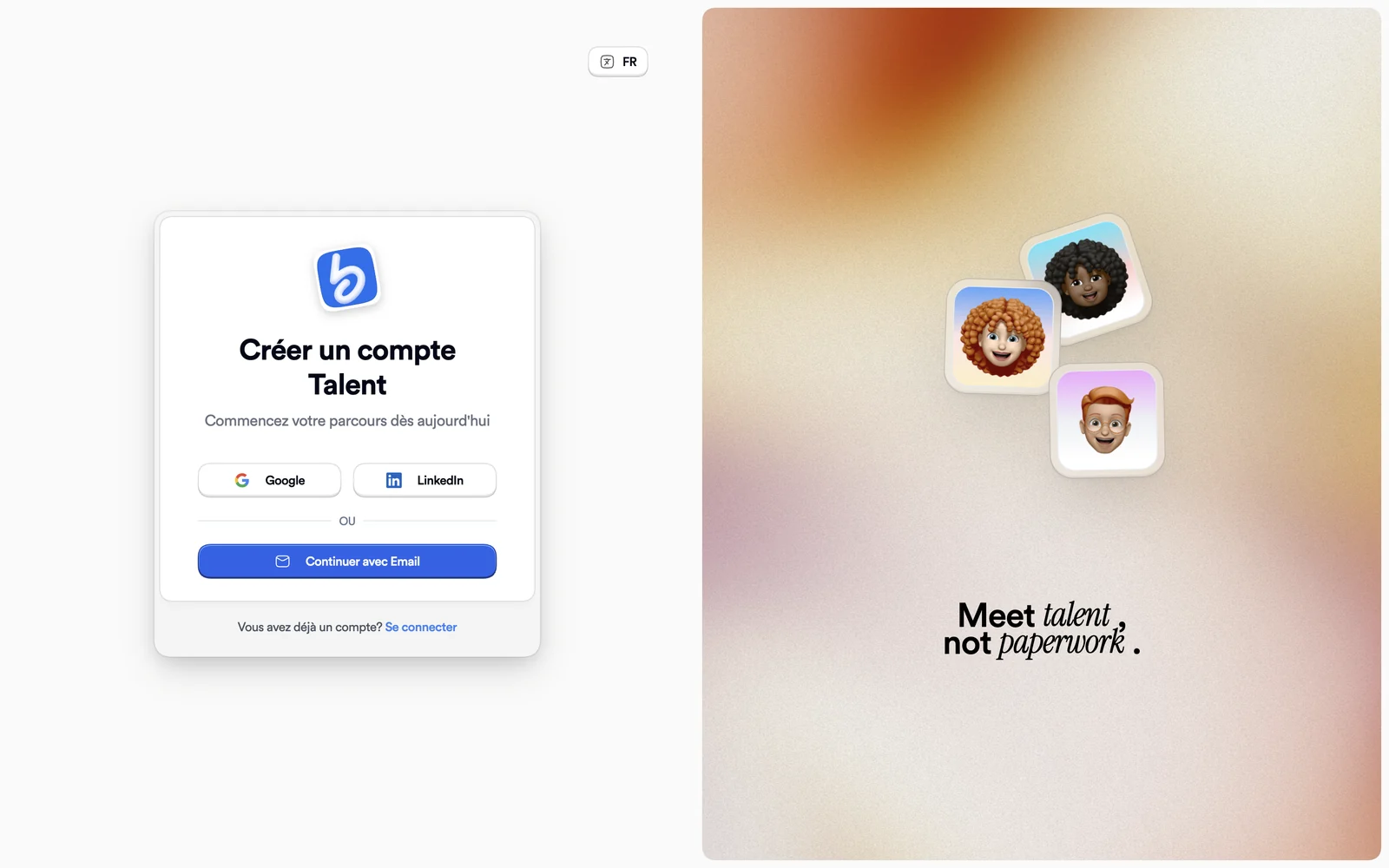
The three ways to create a candidate account -
With email, enter your address and a password, then click Create Account. As you type, the password strength indicator lists what's missing: at least 6 characters, an uppercase letter, a lowercase letter, a number.
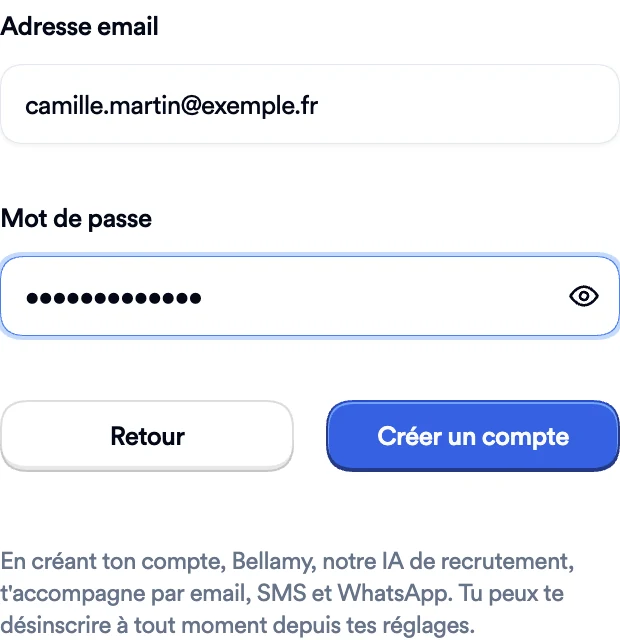
The completed form, before you create the account
The form tells you that by creating your account, Bellamy supports you by email, SMS and WhatsApp, and that you can opt out at any time from your settings. Once the account exists, you land on profile creation: see Create my profile.
Create an account in the mobile app
The mobile app is in French only, so its labels are given in French, with a translation.
- On the Créer un compte screen (create an account), choose Talent ("Je recherche des opportunités de carrière"). If you choose Entreprise (company), the app asks you to use the website to create a company account.
- Choose Continuer avec Google, Continuer avec LinkedIn or Continuer avec Email (continue with Google, LinkedIn or email).
- With email, enter your address then a password, and tap Créer un compte. On mobile, the password needs at least 8 characters, including an uppercase letter, a lowercase letter and a number.
The five profile steps are the same as on the website.
Sign in
-
Open the sign-in page. Choose Google or LinkedIn, or enter your email and click Continue with Email.
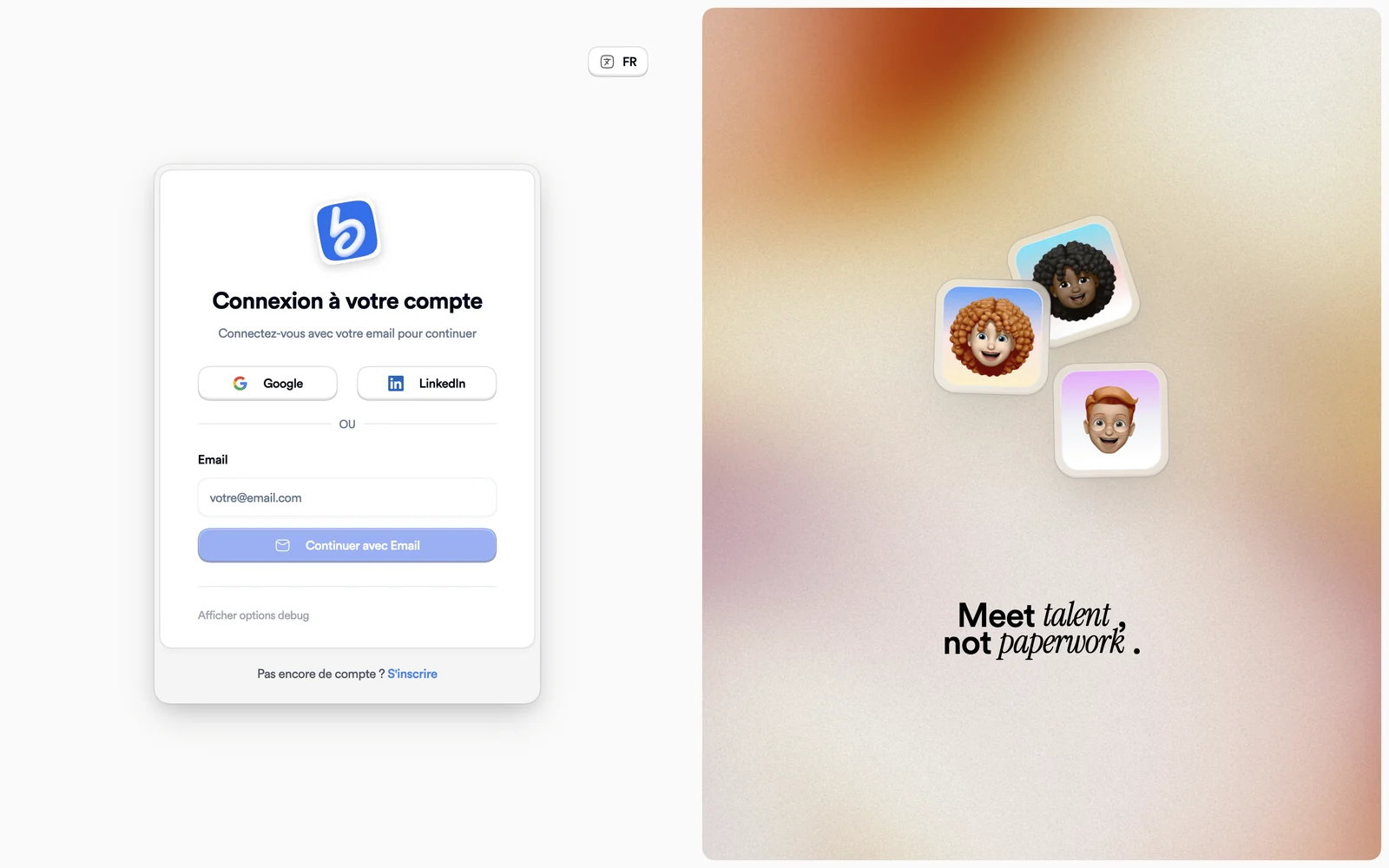
The sign-in page -
Enter your password, then click Login.
On the sign-in page, the method you used last carries a Last used badge.
Forgotten password
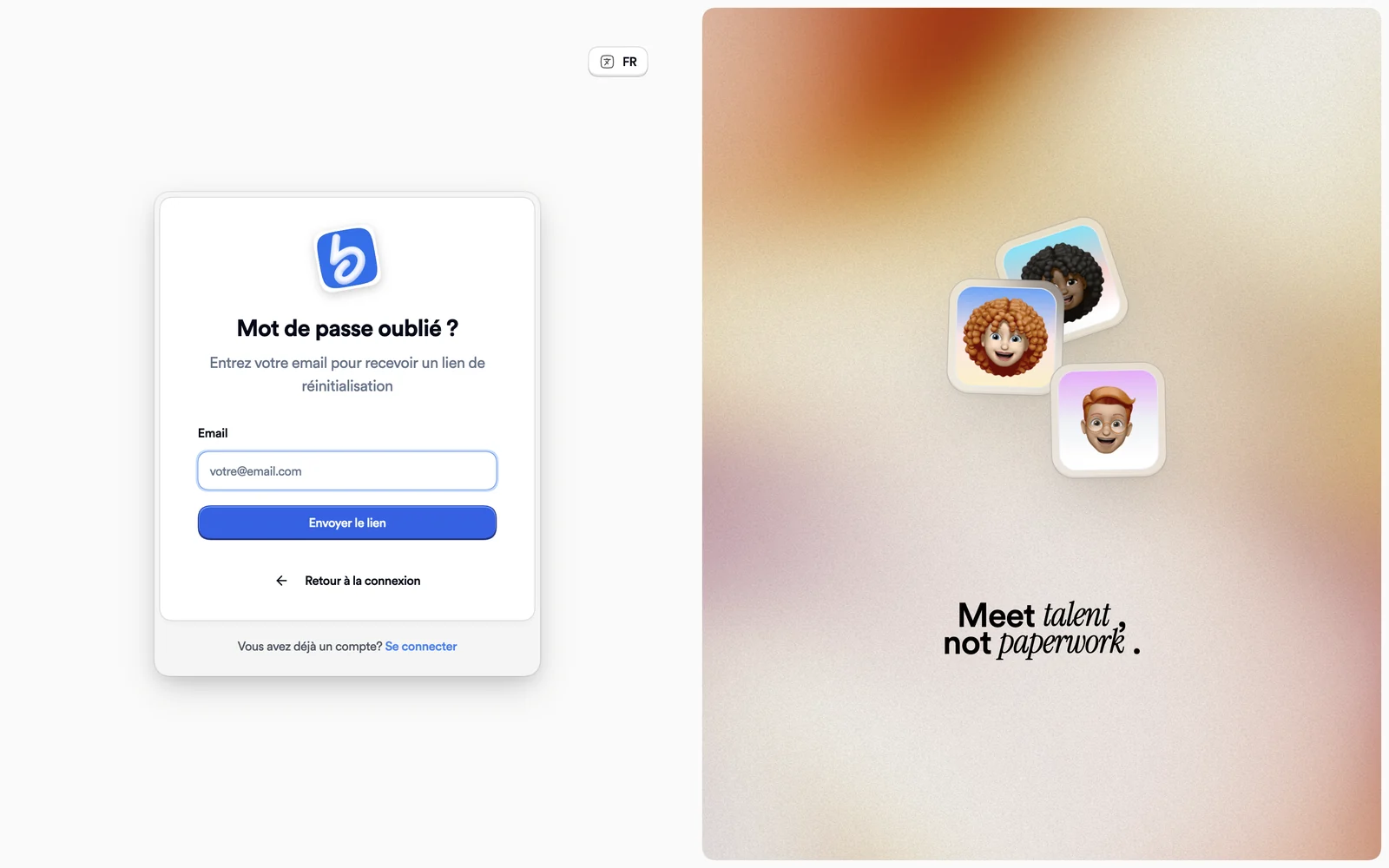
Click Forgot password? next to the password field, enter your email, then click Envoyer le lien (send link): that page is only in French. The details are in Manage my account.
If you applied without a password
When you apply to a job, Bellamy creates your account without a password. On the sign-in page, under the password field, click Get a link: you receive a link to create your password.
If something goes wrong
- "Couldn't find your account.": check the address, or create an account with it.
- "An account already exists with this email": sign in, or click Get a login link.
- An anti-robot check appears and fails: click Retry the check, then submit the form again. If it keeps happening, turn off your ad blocker.