
Manage my account
Choose how Bellamy contacts you, get back into your account and set the app's language.
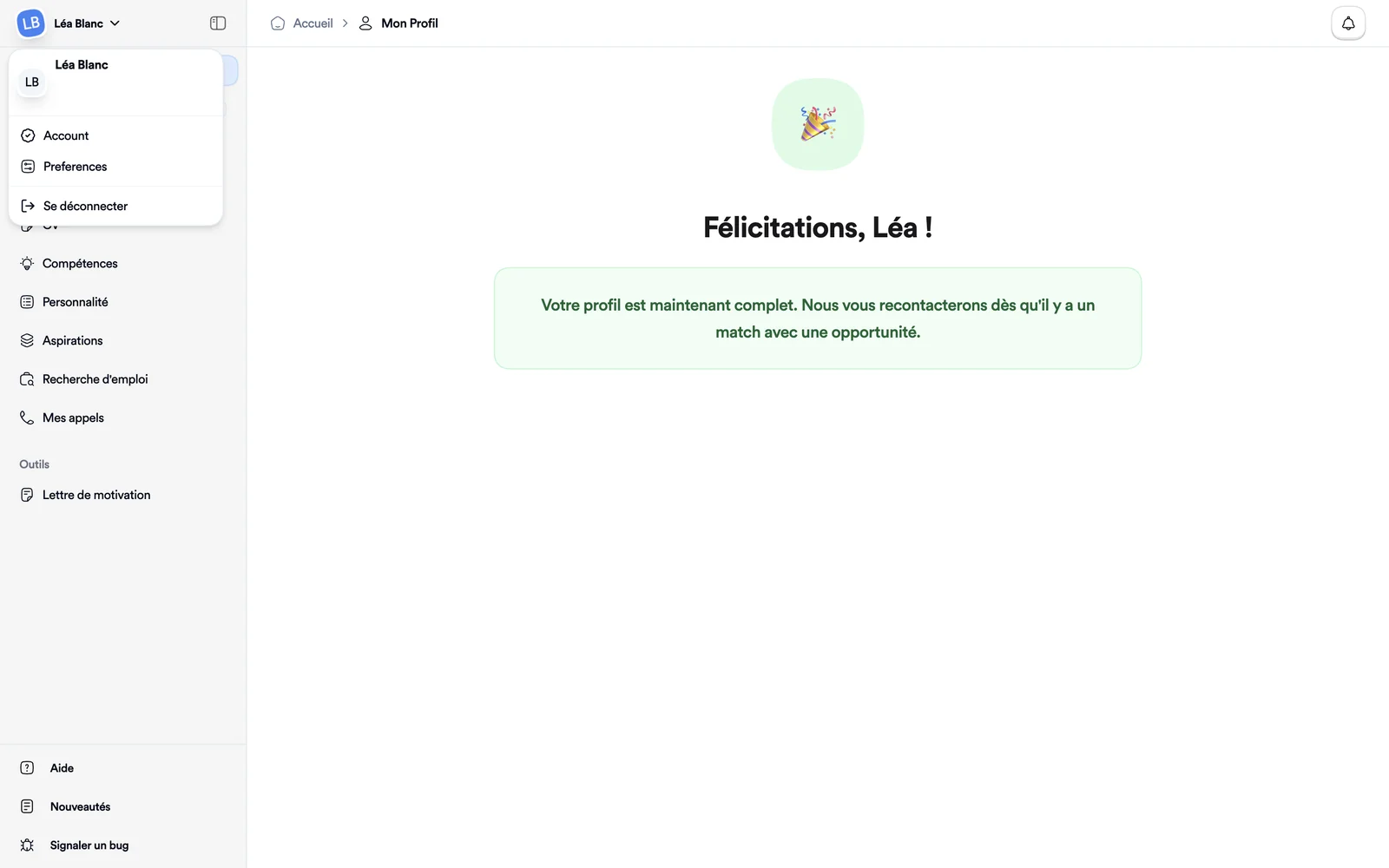
- Your name, top left: Account, Preferences or Notifications.
Open the settings
Click your name, top left of the screen. The menu offers Account (your details, see Edit my details and phone number), Preferences, Notifications and Log out.
In the settings, the menu on the left lists the same three pages: Preferences, Profile and Notifications. On a phone, the button at the top right of the page opens it, and Back to my space takes you back to your candidate space.
Choose your channels
The Notifications page sets the channels Bellamy uses to write to you. Open it from your name, top left, then Notifications. The Messages from Bellamy card has one switch per channel:
- Email: career advice and updates on your applications;
- SMS: a short text when Bellamy has written to you;
- WhatsApp: you chat with Bellamy directly on WhatsApp.
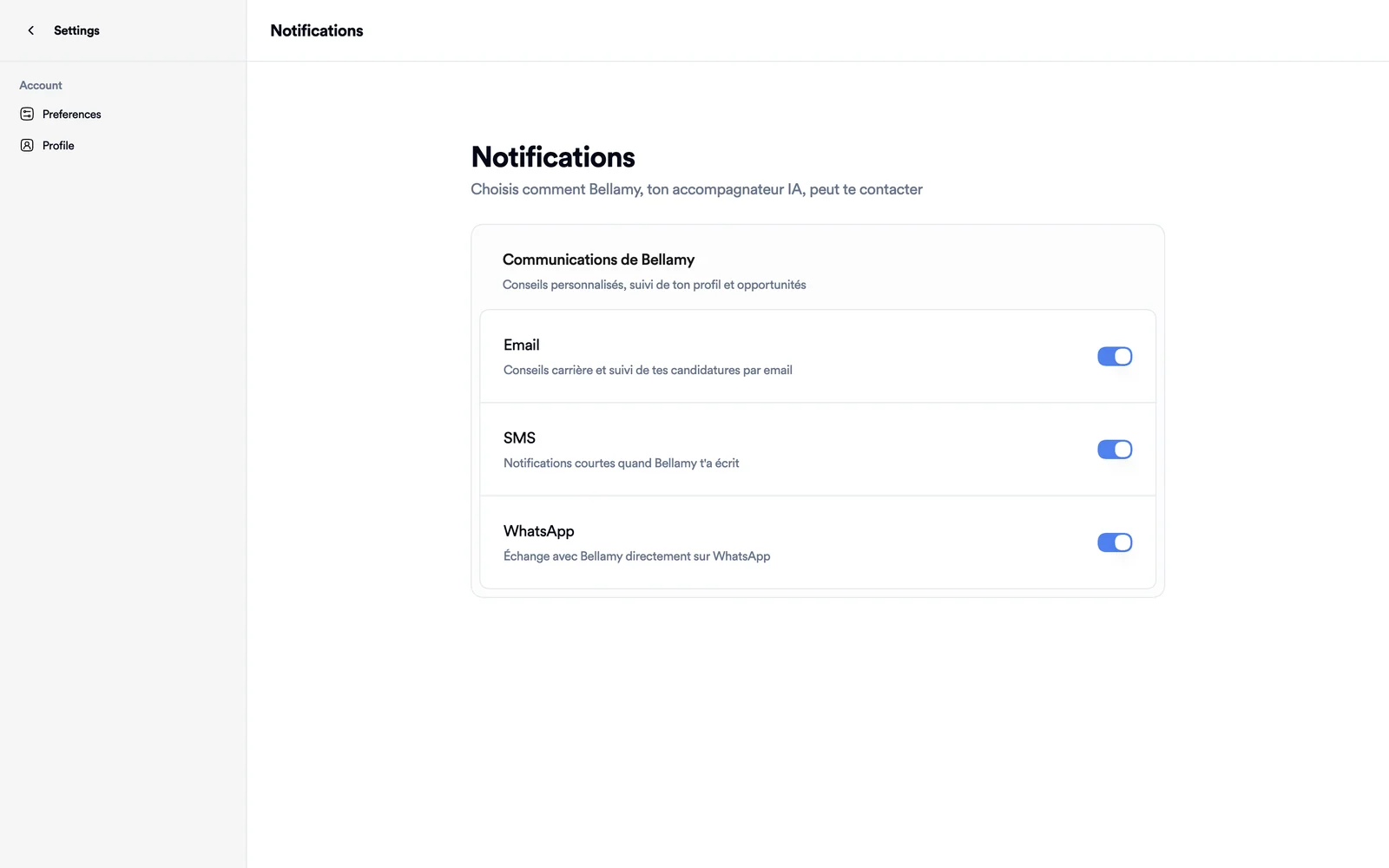
Each switch saves straight away, and a Preference saved message confirms it.
Forgotten password
- On the sign-in page, click Forgot password?.
- Enter your email, then click Envoyer le lien (send link). That page is only in French.
- Open the email and choose a new password.
The link is valid for one hour. Check your spam folder too. If you applied to a job without creating a password, click Get a link under the password field instead.
App language
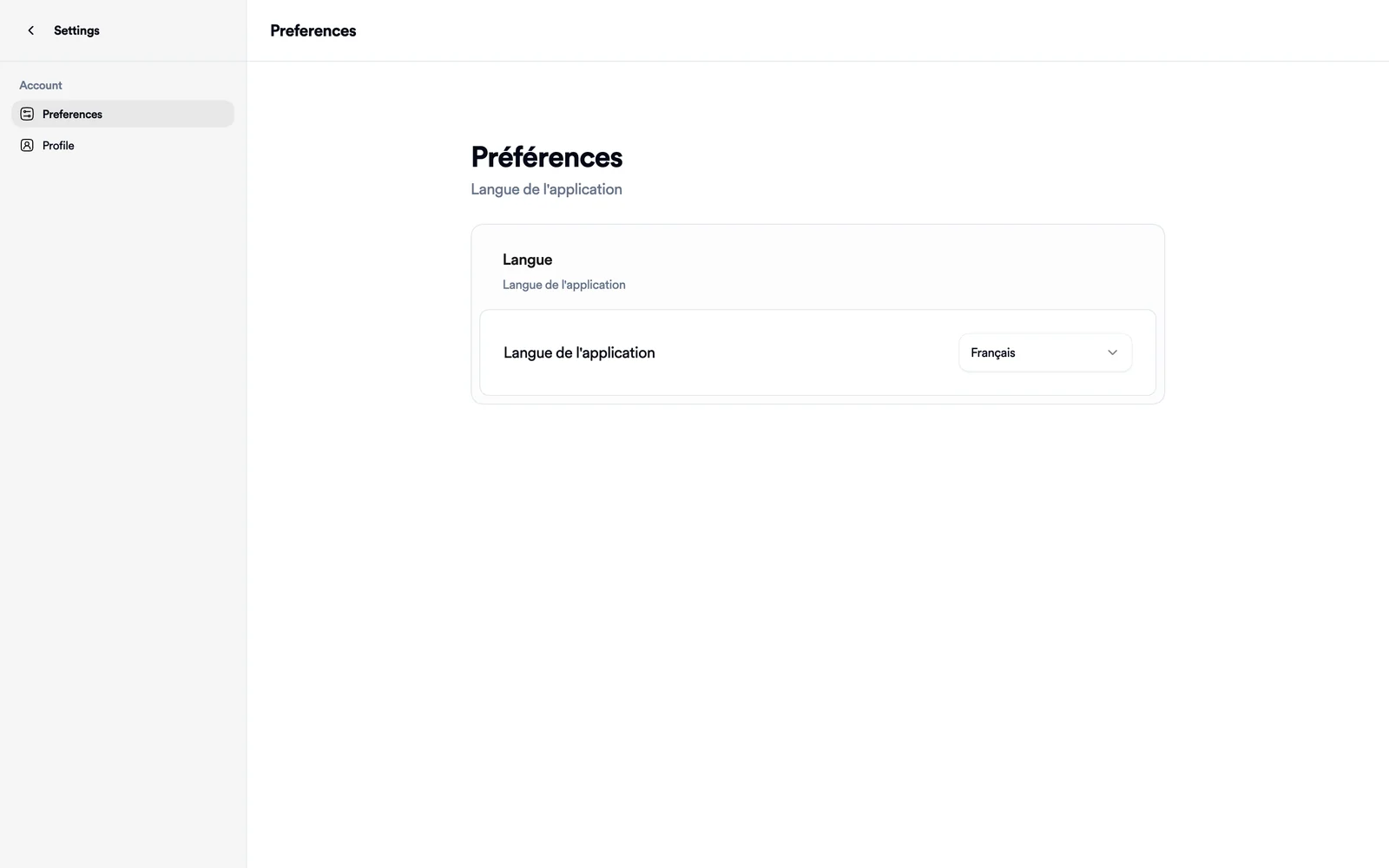
Preferences opens the Preferences page, which sets the application language: English or Français. The change applies right away.
Delete my account
Write to privacy@bellamy.ai: see My data and privacy.