
Write a cover letter with Bellamy
Paste the address of a job posting, pick the tone and length, and Bellamy drafts a letter you can edit before copying it.
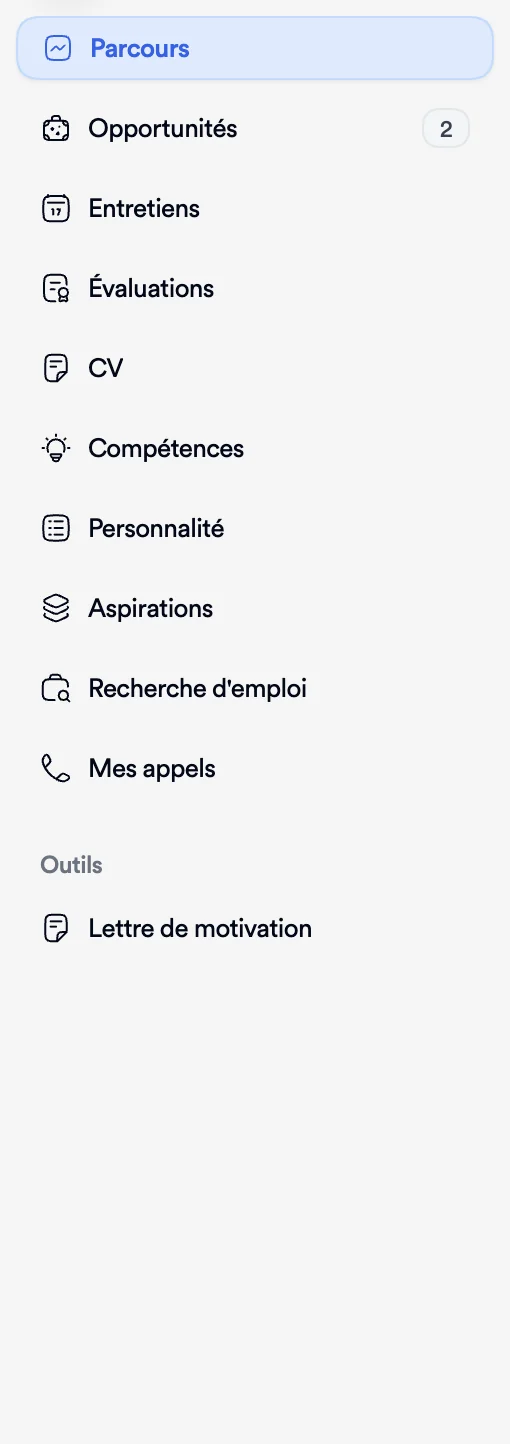
- The Tools menu, Cover Letter entry, in your talent space.
- You need the address (URL) of the job posting.
Bellamy reads a job posting, matches it with your profile and drafts a cover letter. You read it, edit it as you like, then copy it wherever you're applying. The pages of this tool are in French in the app; the labels below come with a translation.
Write a letter
- Open Cover Letter, under Tools in the menu. The Lettres de motivation page ("Vos lettres générées avec l'IA", your AI-generated letters) lists your letters, or offers Créer ma première lettre (create my first letter) if you have none.
- Click Nouvelle lettre (new letter). The Importer une offre d'emploi window (import a job posting) opens.
- Paste the address of the posting into URL de l'offre (job URL), then click Récupérer (retrieve). Bellamy reads the posting's page.
- Choose the Ton de la lettre (tone): Formel (formal), Décontracté (casual), Créatif (creative) or Enthousiaste (enthusiastic).
- Choose the Longueur de la lettre (length): Courte (short, about 200 words), Standard (about 400) or Détaillée (detailed, about 600).
- If you like, add Instructions personnalisées (custom instructions, optional), for example to stress your international experience.
- Click Générer la lettre (generate the letter).
Read and edit
The letter opens on the Contenu tab (content), with the word count. It's an editor: change the text directly, make it bold or italic, add a list. When you select a passage, an Améliorer button (improve) offers a version reworked by AI. The text saves by itself, and Enregistré (saved) confirms it.
The Offre tab (job posting) reminds you of the posting the letter answers.
When the letter suits you, click Copier tout (copy all), then paste it into your application.
Find your letters
Each letter stays in the list, with the job title, the company, the word count and the date. Open one to read or edit it.
If something goes wrong
- "Impossible de récupérer l'offre" (couldn't retrieve the posting): check the address, which must be the page of the posting itself, then try again.
- The letter doesn't sound like you: add Instructions personnalisées and change the tone, or edit the text directly. The more up to date your profile, the better the letter: see Update my profile.
To apply afterwards, see Apply to a job.