
Create my profile
Import your CV or LinkedIn, check your details, say what you're after. Bellamy takes it from there.
- Five steps; the welcome call takes 15 minutes.
- Have your CV (PDF or DOCX) or your LinkedIn URL ready.
Your profile has one job: helping Bellamy suggest roles that genuinely suit you. It takes five steps, and you can change everything afterwards. The mobile app has the same five steps, in the same order.
The five steps
-
CV & Experience: import your CV (PDF or DOCX, up to 10 MB) or your LinkedIn profile URL. Bellamy pulls your background from it. If you signed up with LinkedIn, Bellamy first tries to find your profile itself. If it can't, you land on the LinkedIn URL field: click Open my LinkedIn profile under the field. Your profile opens in a new tab; copy its address, then paste it into the field. An address you've already given stays in the field.
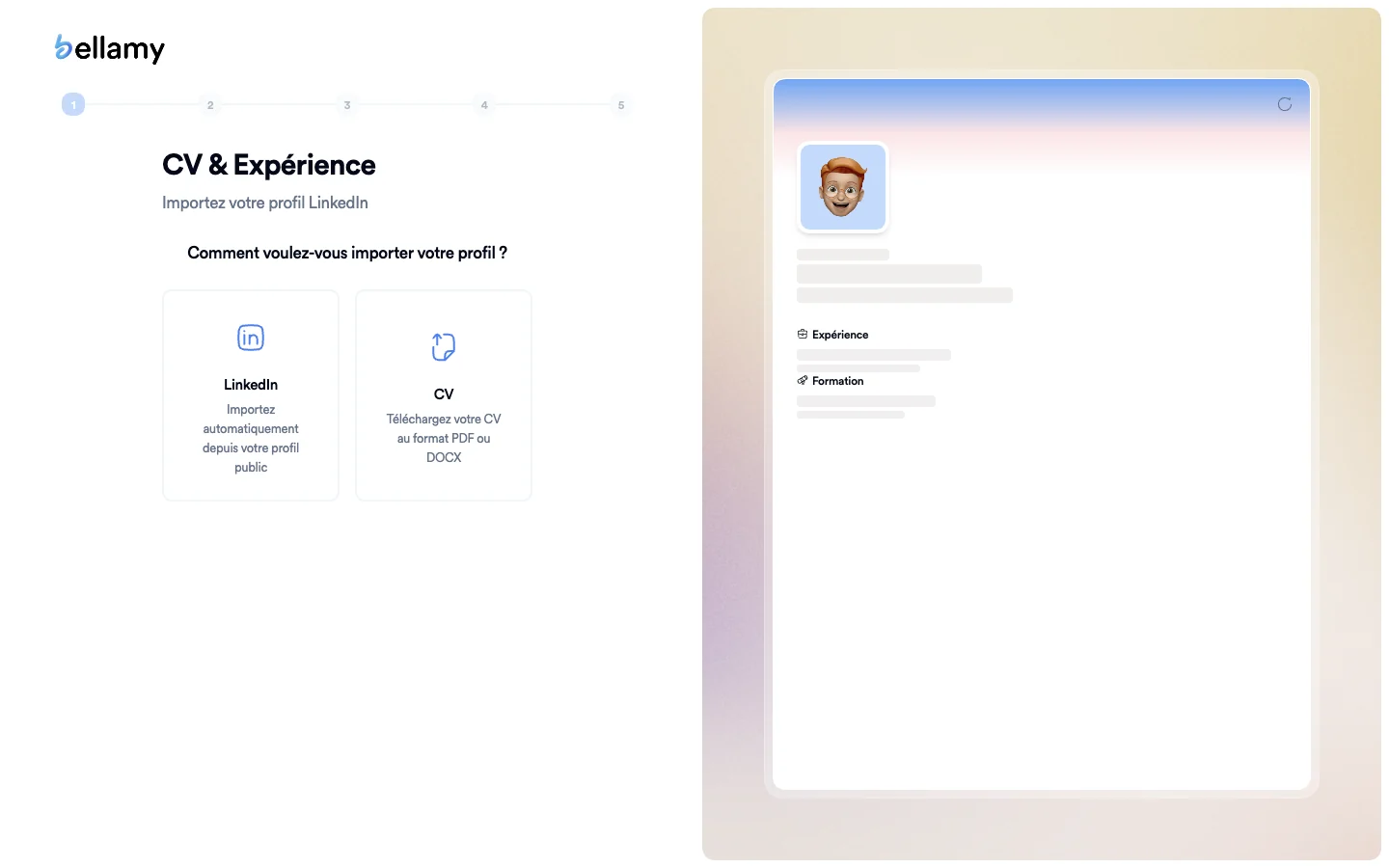
The CV & Experience step: LinkedIn or CV -
Profile: check your first name, last name, languages and status. The fields are pre-filled; you can change any of them.
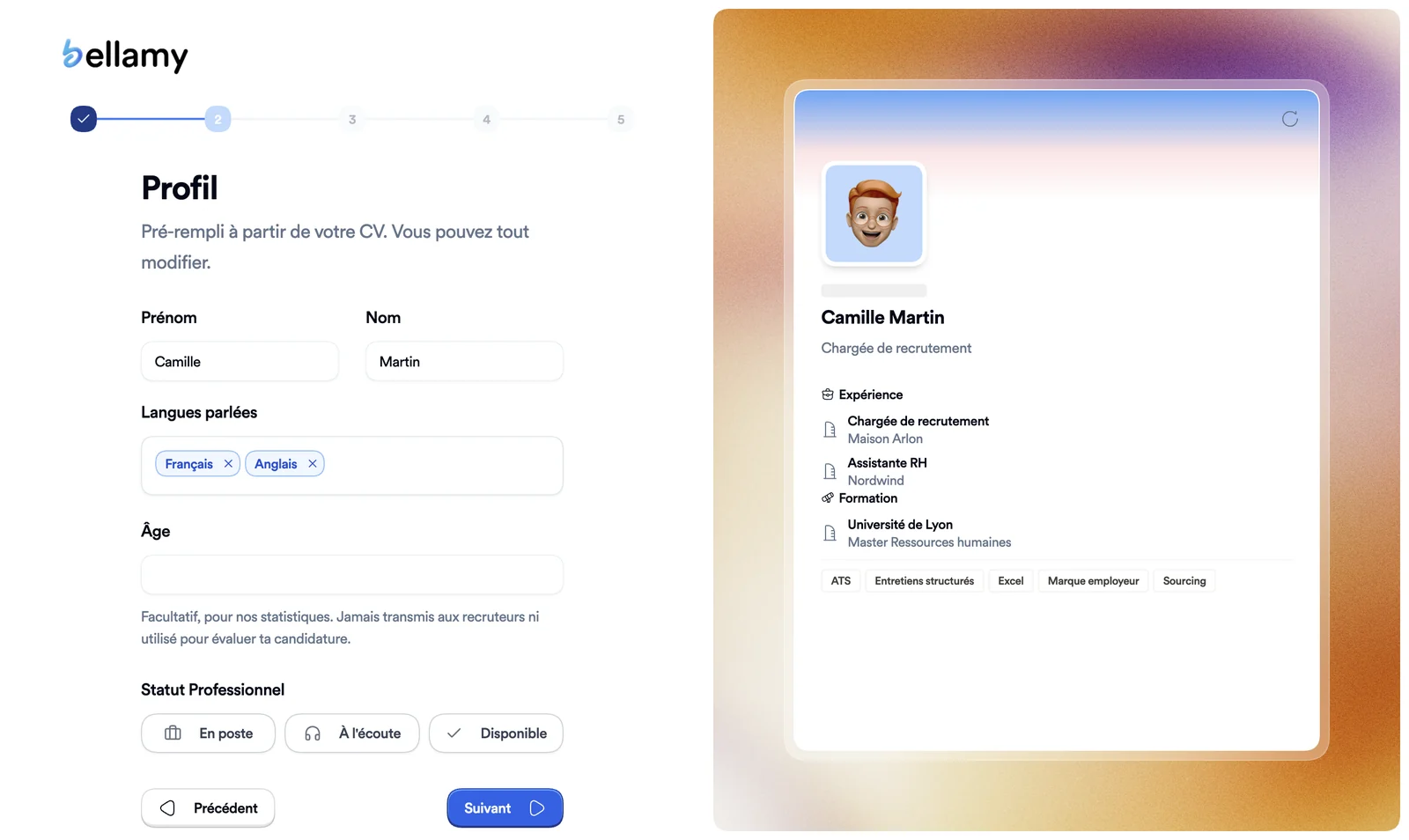
The Profile step, pre-filled from your CV -
Search preferences: the roles you want, company types and sectors, then your current and expected pay, then cities, travel, working arrangements and contract types. Pay is shown in the currency of the role that brought you to Bellamy, and saved in that currency: 70 k£ stays 70 k£. With no specific role, it's euros. Bellamy doesn't convert anything.
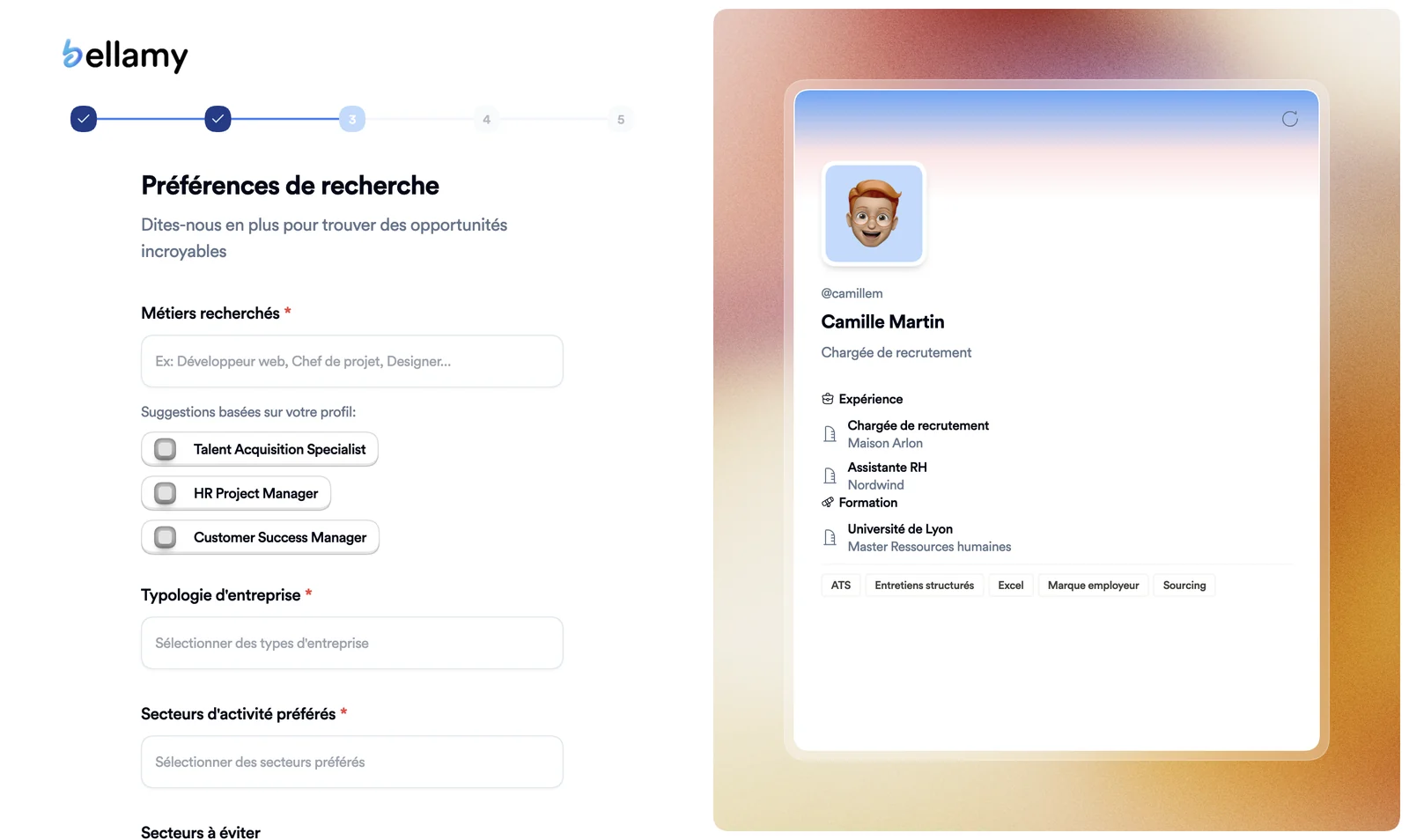
Roles, company types and sectors you're looking for 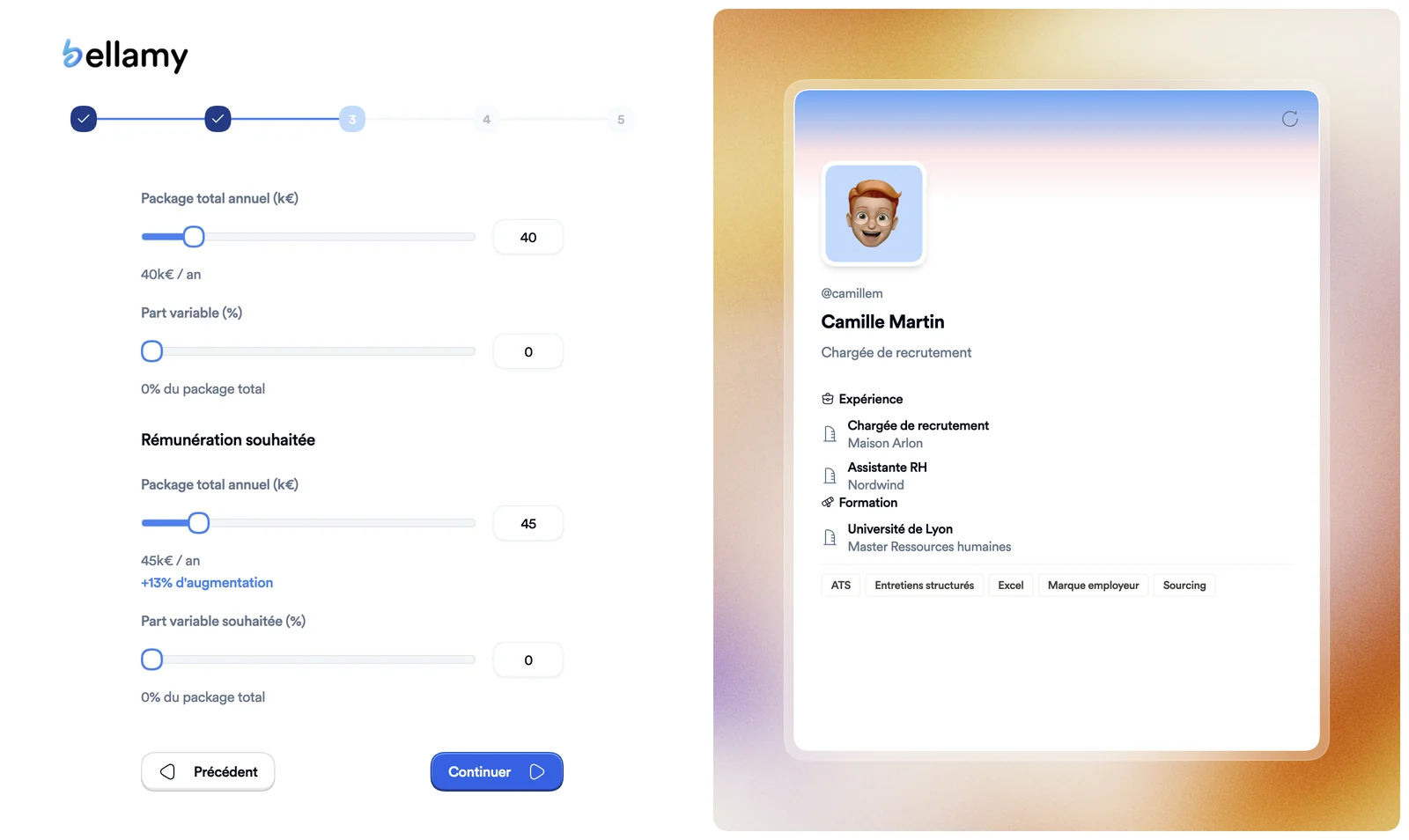
Current and expected pay 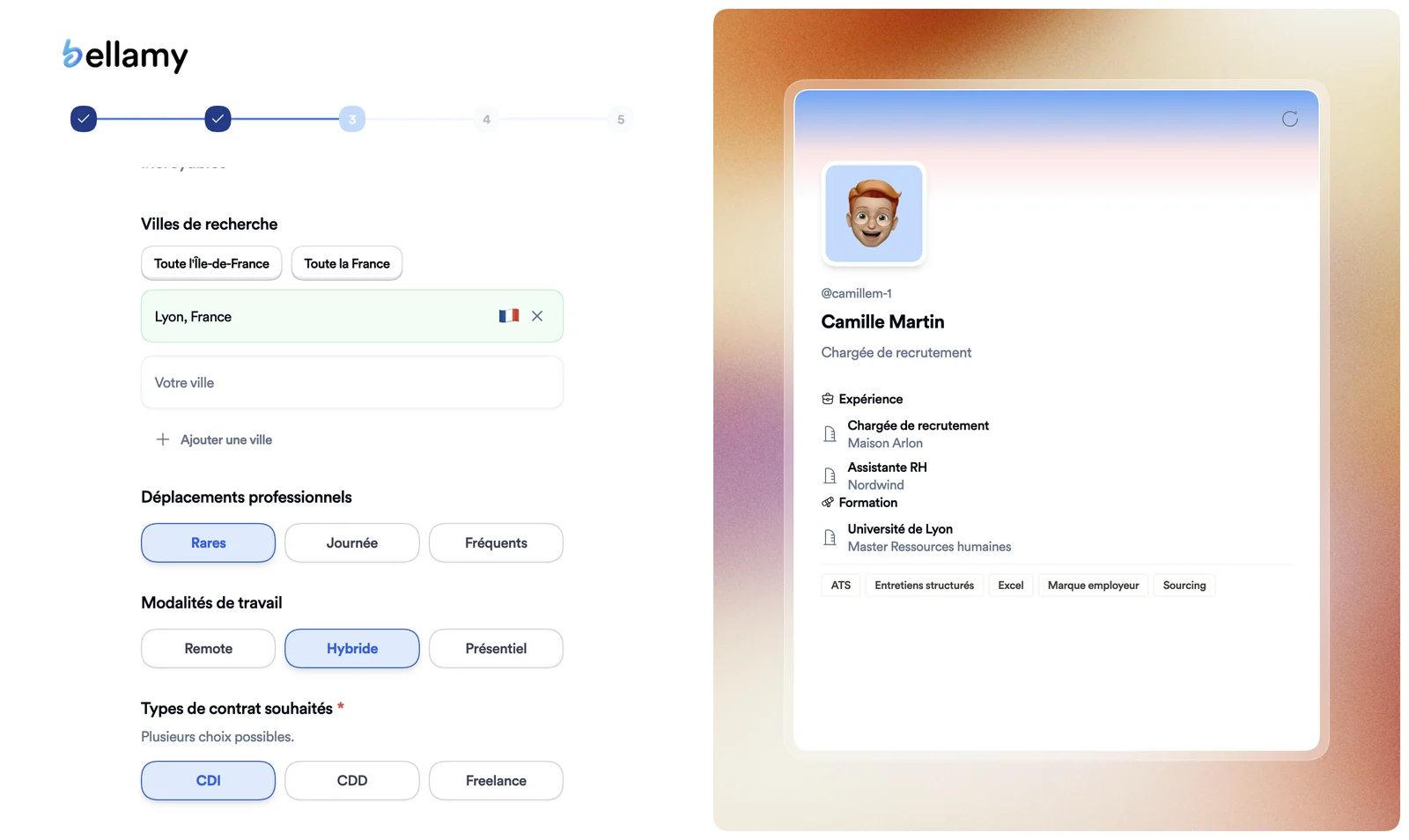
Cities, travel, working arrangements and contracts -
Phone: enter your number, click « Vérifier mon numéro » (Verify my number), type the code sent to you by text, then click « Confirmer » (Confirm).
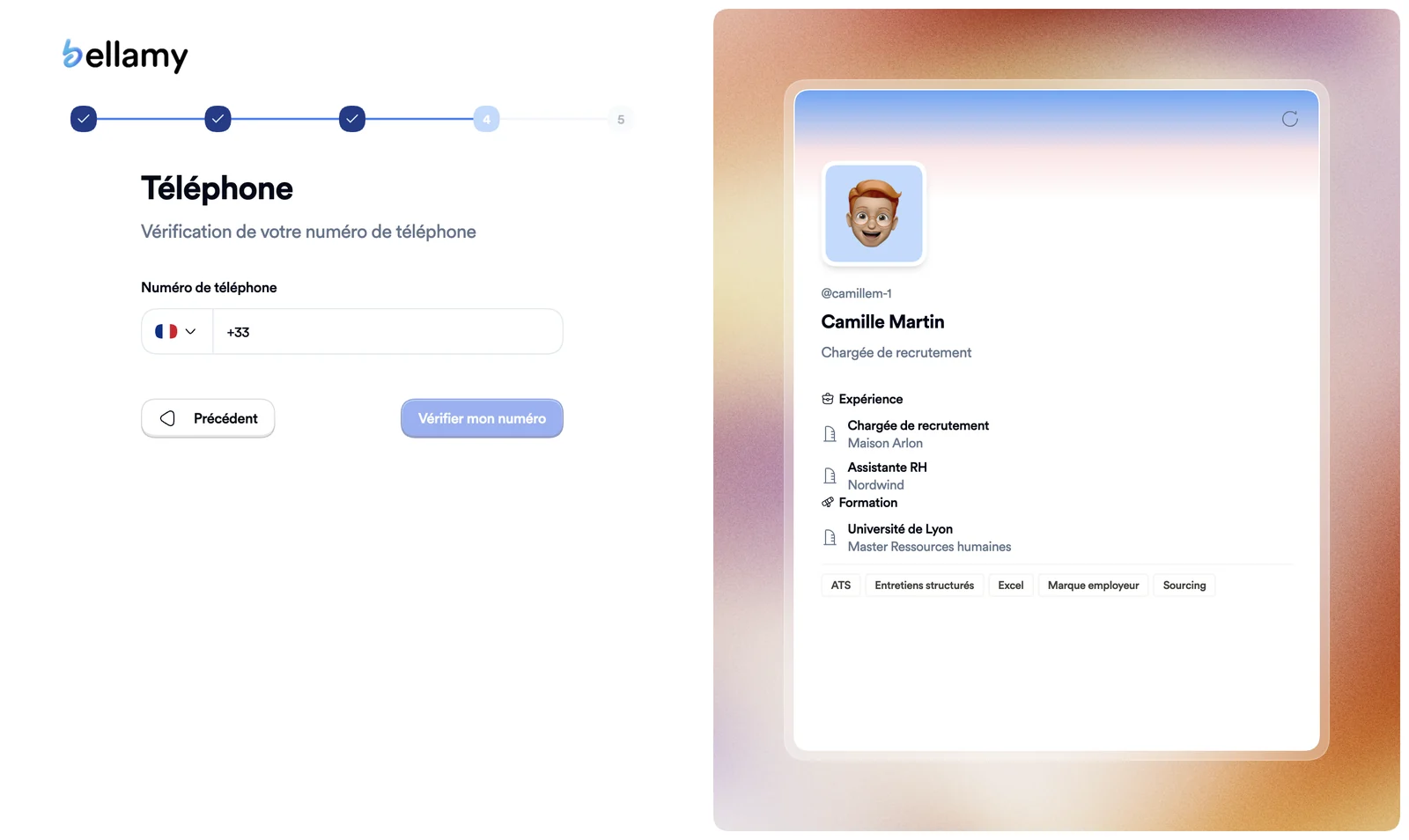
Entering your phone number 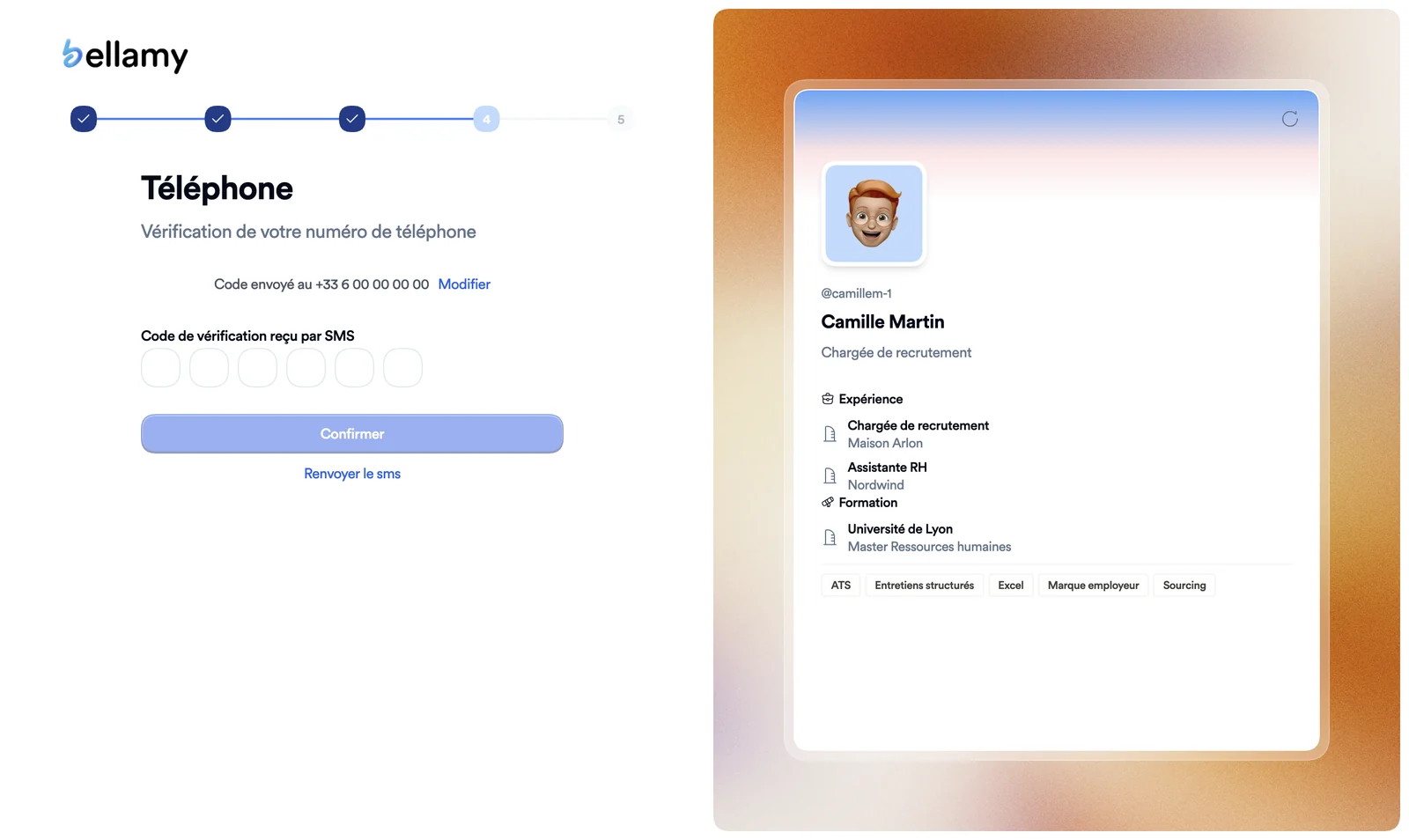
The text-message code, to enter before you confirm -
Get to know Bellamy: a 15-minute phone conversation.
The call with Bellamy
On the last step, choose « Être appelé maintenant » (Be called now) or « Planifier pour plus tard » (Schedule for later). To schedule, pick the day and time that suit you.
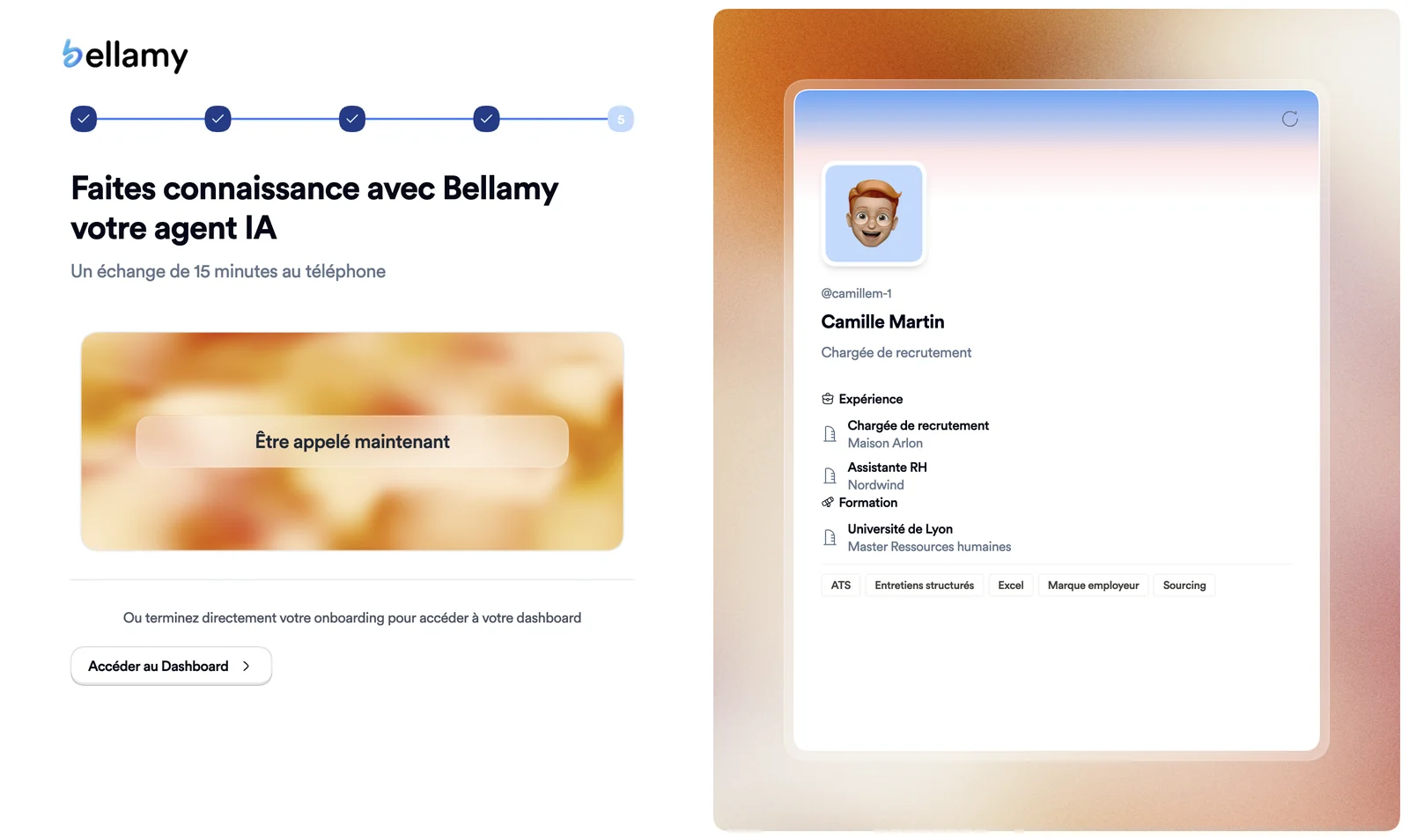
Bellamy calls the number you verified. Find a quiet spot and keep your phone close.
You can also skip the call and click Go to my space. You can do it later.
If the import fails
- CV rejected: check the format (PDF or DOCX) and the size (10 MB max), then click Retry.
- LinkedIn not found: a banner, "The LinkedIn import failed", appears above the field. It reads "We couldn't find this LinkedIn profile. Check the address (linkedin.com/in/…) or add your CV." Copy your full profile address, which starts with
https://www.linkedin.com/in/. It often ends with a string of letters and numbers: keep it whole. Otherwise, click Add my CV in the banner. Retry only appears when trying again can work. - The import or the save doesn't go through: if a VPN, proxy or antivirus filters your connection, turn it off or switch networks, then try again. On the Profile step, the message "Your profile couldn't be sent" stays on screen until you close it with its cross. For any other error, it reads "Unable to save your profile. Try again in a moment."
- The button's link pasted as it is: the Open my LinkedIn profile button goes to an address that doesn't point to anyone in particular. If you paste it, a message reads "That's the button's link: copy the address of your profile page that opened instead." Copy the address from the bar of the tab that opened.
- Message under the LinkedIn field: if you click « Continuer » (Continue) with the field empty, a message asks you to paste the full address of your profile. Paste it, then click again.
- Text-message code rejected: a message tells you the code isn't right and the field empties. Check the text message, then type the code again.
- Number already in use: that number is linked to another Bellamy account. Sign in with that account, or use a different number.
Changing your profile later
Everything can be changed from your talent space: see Update my profile.